
Adobe Podcast AI
Free ✓ VerifiedAdobe Podcast AI enhances spoken audio recordings by removing background noise and improving voice clarity to broadcast-quality standards.
📋 About Adobe Podcast AI
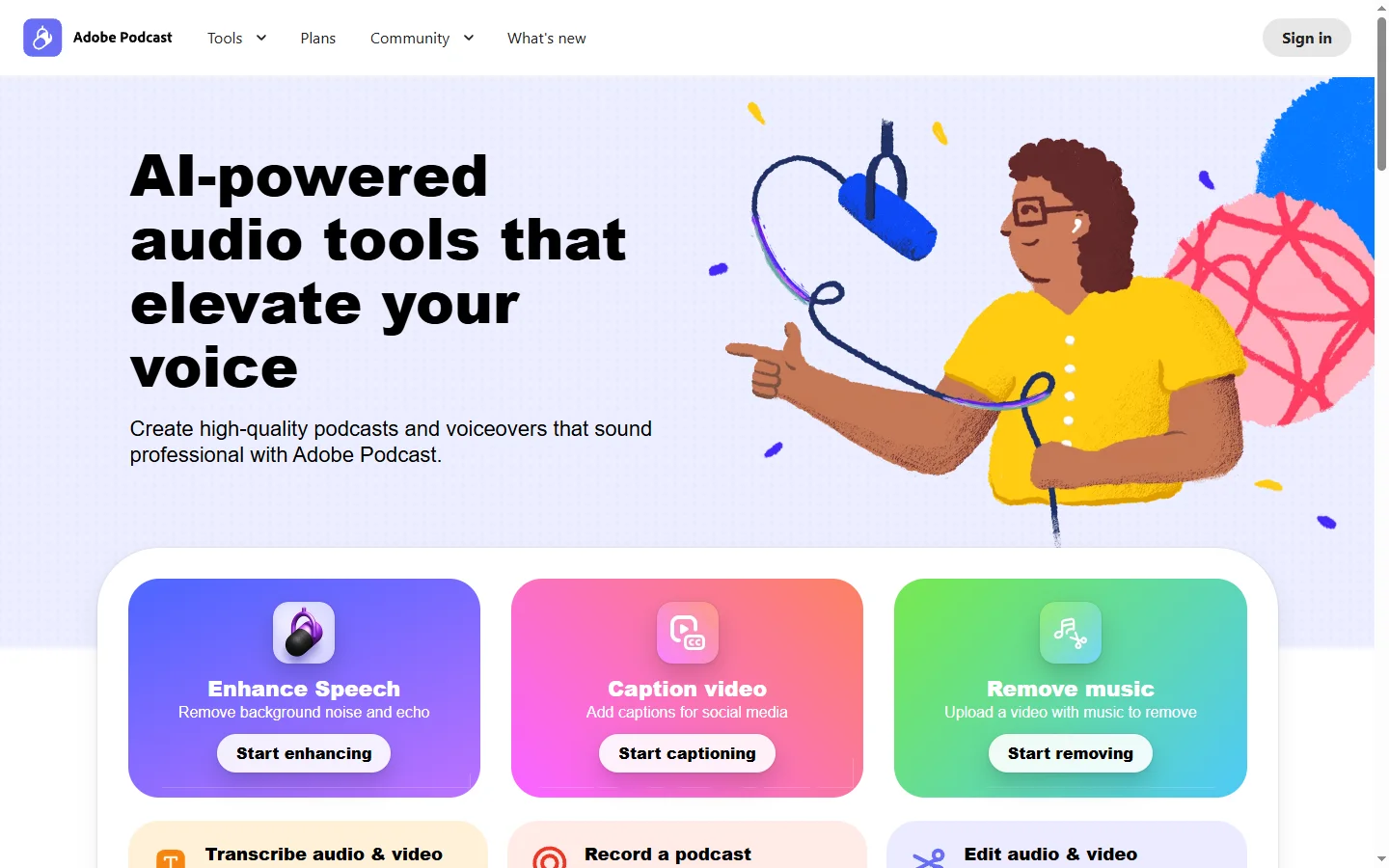
Adobe Podcast AI is a web-based audio enhancement tool that uses machine learning to clean up recorded speech. The flagship feature, Enhance Speech, takes an uploaded audio or video file and removes background noise, reverb, and recording artifacts while making the voice itself clearer and more present — producing results that sound as though the recording was made in a treated studio environment rather than a home office or outdoor setting. The processing runs entirely in the cloud and returns the enhanced audio file within minutes regardless of the original recording conditions.
Beyond noise removal, Adobe Podcast AI includes a microphone quality check tool that listens through your computer's microphone and provides real-time feedback on background noise levels, reverb, and signal quality before recording begins. This helps content creators identify and fix environmental problems before they commit audio to tape rather than relying solely on post-production fixes. A transcription feature converts spoken audio to text for editing and review.
The tool is part of Adobe's broader creative ecosystem and is currently offered for free, though this may be subject to change. It is positioned toward podcasters, educators, remote workers, and content creators who need to produce clear, professional-sounding spoken audio without access to a professional recording environment or audio engineering skills. The simplicity of the interface — drag, drop, enhance — makes it accessible to users with no audio production background.
⚡ Key Features of Adobe Podcast AI
Enhance Speech
The core adobe podcast ai feature processes an uploaded audio or video file and removes background noise, room reverb, electrical hum, and other recording artifacts while simultaneously enhancing the clarity and presence of the voice. The model is trained specifically on speech rather than general audio, which is why it produces better results on spoken recordings than general-purpose noise reduction tools. Processing is asynchronous — upload the file and download the enhanced version when it completes. Most files under 30 minutes are processed within a few minutes.
Microphone Check
The microphone quality check tool analyzes audio coming through your system's microphone in real time and scores it across dimensions including background noise level, reverb and echo, and signal-to-noise ratio. Actionable feedback identifies whether the issues are environmental (too much room reflection), proximity-based (mic too far from the source), or equipment-based. Running a mic check before recording can prevent investing hours in a recording session that will be difficult to save in post-production.
Audio Transcription
Adobe Podcast AI transcribes uploaded spoken audio to text with speaker identification for multi-participant recordings. Transcripts are time-stamped and formatted for readability, making them usable as show notes, edited scripts, or accessibility captions. The transcription accuracy is designed for clear speech and performs best on recordings that have already been enhanced or were recorded in low-noise conditions.
Recording Studio
The browser-based recording interface allows users to record audio directly through the browser with enhancement applied in real time or as a post-recording processing step. Guests can join a recording session via a browser link without installing any software. Recorded tracks from different participants are captured as separate stems, enabling independent processing and level adjustment before mixing.
Video File Support
Adobe Podcast AI accepts video files as input and processes the audio track within them, returning a version with the enhanced audio synchronized to the original video. This is useful for YouTube creators, video educators, and online course producers who record video content in home environments and need to improve audio quality without re-recording or separating audio and video tracks manually.
Batch File Processing
Multiple audio files can be queued for enhancement processing simultaneously, returning enhanced versions of all files without requiring the user to wait for each to complete before uploading the next. This is practical for podcasters processing a multi-part series, educators cleaning up a library of recorded lessons, or teams handling a backlog of recorded interviews.
🎯 Use Cases for Adobe Podcast AI
⚖️ Adobe Podcast AI Pros & Cons
Advantages
- ✓Currently free with no account required for basic Enhance Speech processing
- ✓Results are noticeably better than most consumer noise removal tools on speech recordings
- ✓Accepts video files directly, removing the need to extract audio separately
- ✓Simple single-step workflow requires no audio engineering knowledge
Drawbacks
- ✗Processing is cloud-based so large files require upload time before results are available
- ✗Works specifically on speech — not effective for music or mixed audio content
- ✗No real-time enhancement for live streaming or real-time communication applications
- ✗Free pricing may change as Adobe integrates it more deeply into paid Creative Cloud plans
📖 How to Use Adobe Podcast AI
Go to podcast.adobe.com — no account is required for the basic Enhance Speech tool.
Click Enhance Speech and drag your audio or video file into the upload area.
Wait for processing to complete — a progress indicator shows the status.
Preview the enhanced audio in the browser player before downloading.
Download the enhanced file and compare it to your original to confirm the improvement.
For recording, use the Mic Check tool first to verify your setup before starting a session.
❓ Adobe Podcast AI FAQ
Adobe podcast ai is currently available for free at podcast.adobe.com for the core Enhance Speech and Mic Check features. Adobe has not announced a permanent free commitment, so current free access may change as the product matures.
Adobe podcast ai removes background noise, room reverb, echo, and electrical interference from speech recordings and enhances the clarity and presence of the voice itself. The result typically sounds significantly closer to a studio recording than the original.
Adobe podcast ai is trained specifically on speech and is not designed to process music or non-speech audio content. Applying it to music will produce degraded rather than improved results.
Processing time depends on file length, but most recordings under 30 minutes are returned within a few minutes. Longer files take proportionally more time. Files are processed in the cloud so the user's local machine is not involved in the computation.
Adobe podcast ai significantly improves most problem recordings, but extremely low-quality source audio — very distant mic placement, severe clipping, or overwhelming noise — may not be salvageable to broadcast-quality. The tool produces better results the closer the source is to acceptable quality.
Related to Adobe Podcast AI
Featured on WhatIf.ai
Add this badge to your website to show you're listed on WhatIf AI
Alternatives to Adobe Podcast AI

ElevenLabs
ElevenLabs AI voice generator for text-to-speech, voice cloning, dubbing, and sound effects in 30+ languages.

Parakeet AI
Parakeet AI speech-to-text platform transcribes audio and video with speaker diarization, timestamps, and multi-language support.

Suno
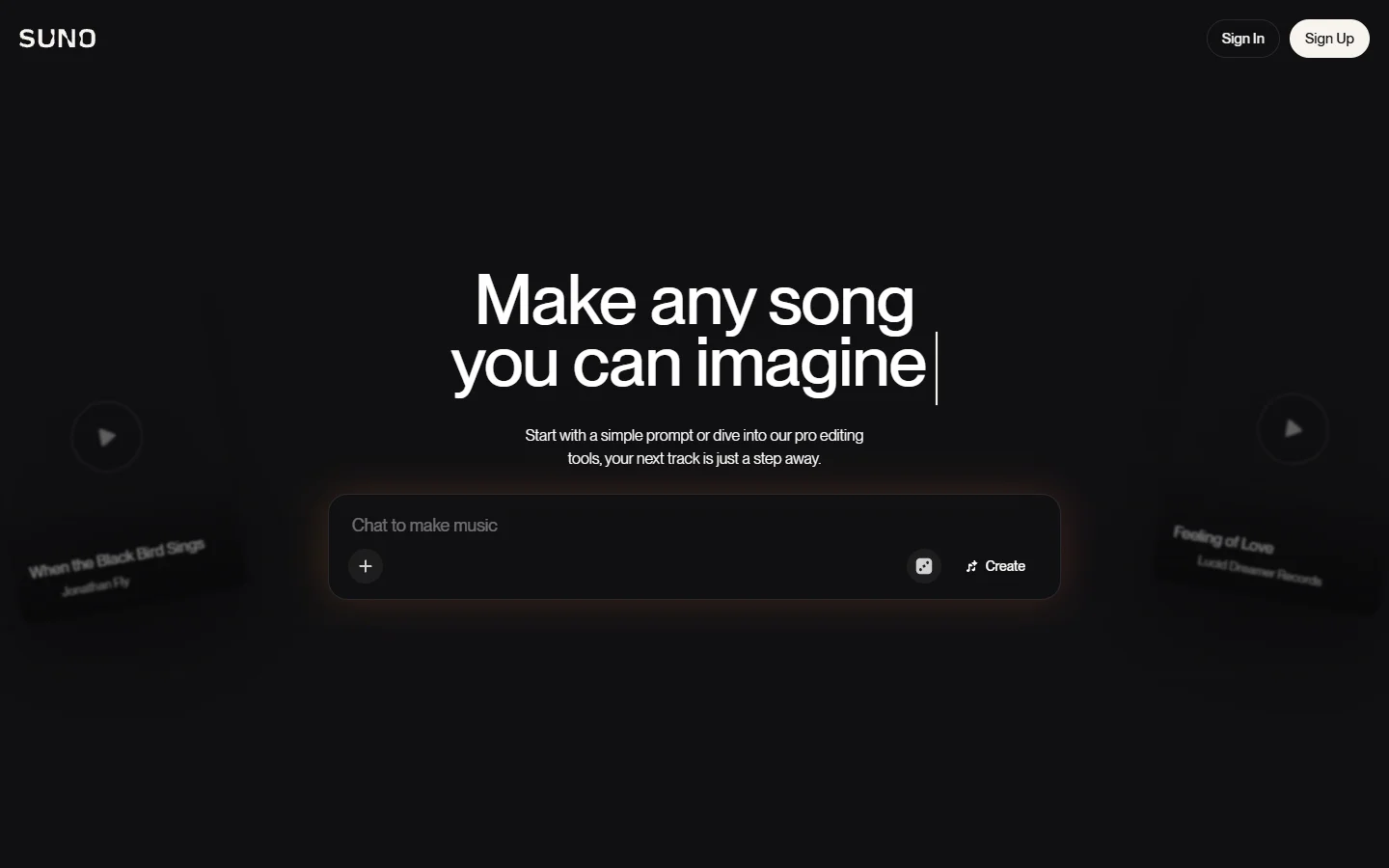
Suno ai music generator that creates complete songs with vocals, instruments, and lyrics from a text prompt.
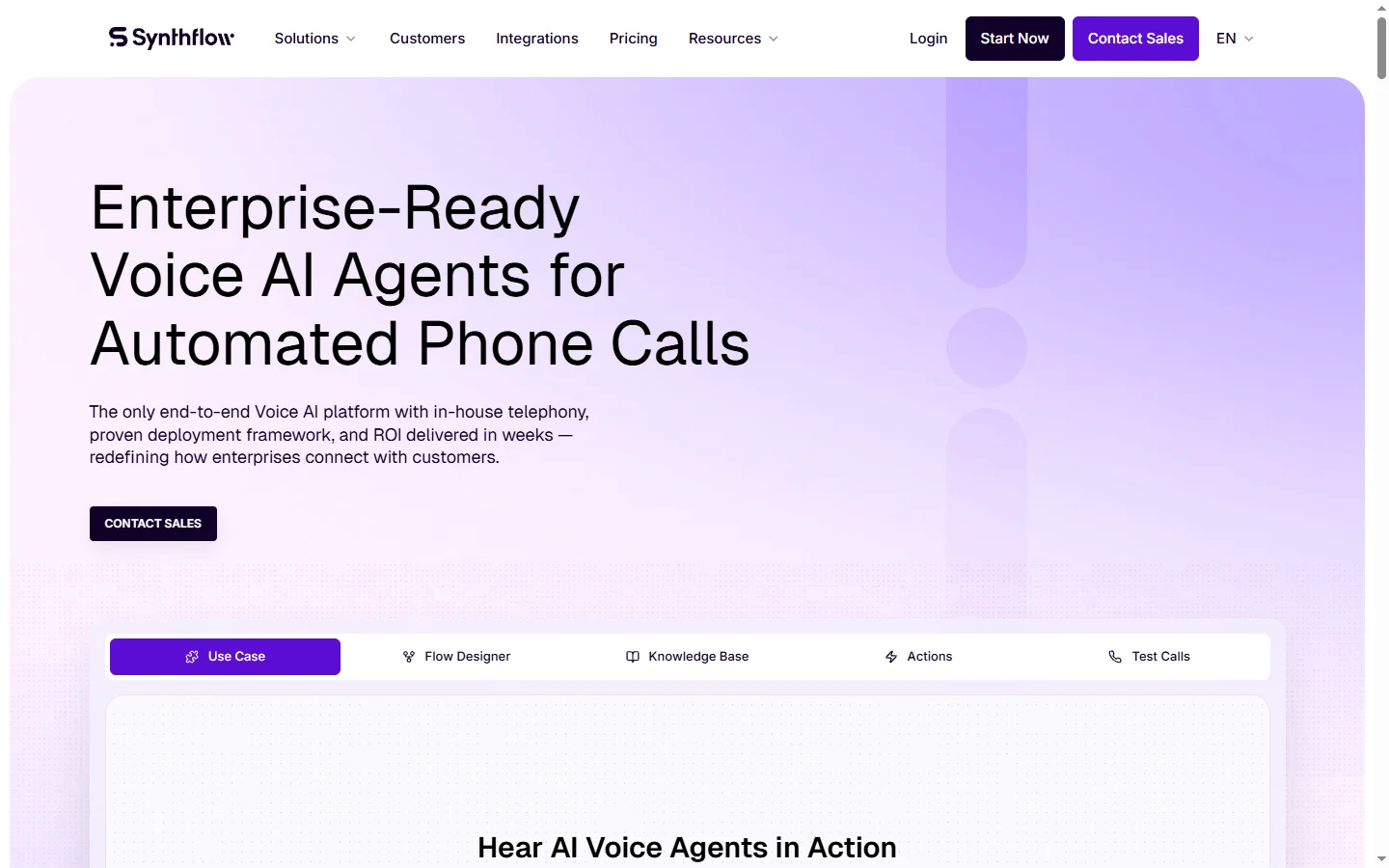

Synthflow AI
Synthflow AI is a no-code platform for building AI phone call agents that handle inbound and outbound calls using natural conversational voice.