
Backyard AI
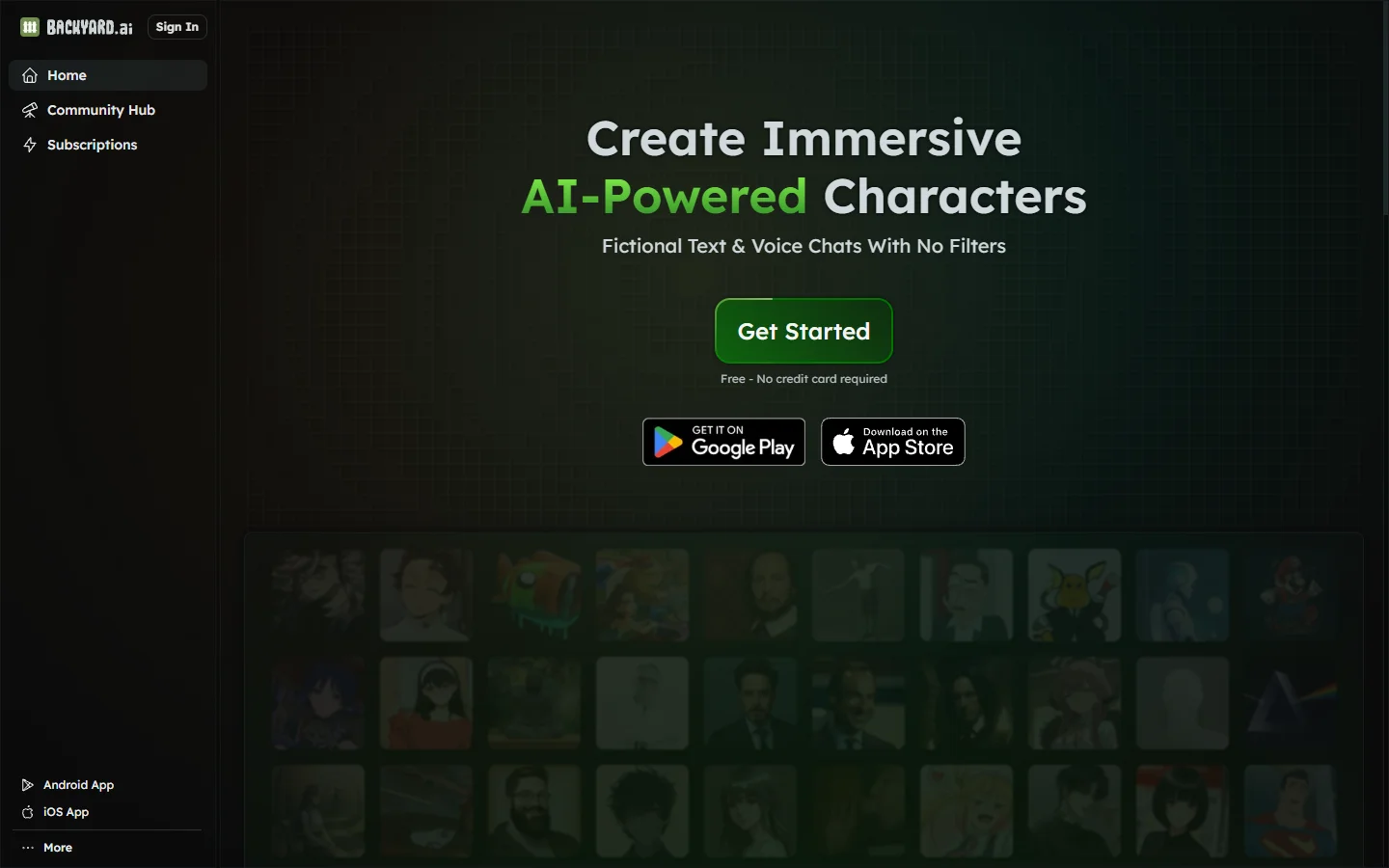
FreeBackyard AI is a free desktop application for running local AI character chat with custom personas, private conversations, and full offline operation.
📋 About Backyard AI
Backyard AI is a free desktop application that lets users download and run large language models locally on their own hardware, then interact with them through a character-focused chat interface. Unlike browser-based AI chat platforms, Backyard AI keeps all conversation data on the user's machine — nothing is transmitted to external servers. This makes it a practical choice for users who want privacy-first AI character chat without subscription fees or data sharing.
The platform includes a built-in character creation system where users can define personas with names, personality descriptions, backstories, and example dialogue that shapes how the AI responds. A community hub lets users import characters created and shared by others, ranging from fictional archetypes to original personas. Backyard AI supports multiple local model formats including GGUF models from sources like Hugging Face, giving technically inclined users control over which underlying model powers their characters.
Because models run locally, performance depends on the user's hardware — machines with dedicated GPUs produce faster responses, while CPU-only setups are usable but slower for larger models. The application handles model downloading and switching through a built-in model manager, so users do not need command-line tools to get started. For users who want AI character chat without cloud dependency, usage limits, or ongoing subscription costs, Backyard AI is one of the more accessible local inference options available.
⚡ Key Features of Backyard AI
Local Model Execution
Backyard AI downloads and runs LLMs directly on the user's machine with no data sent to external servers, ensuring that conversation content stays entirely private. The built-in model manager handles model downloads, storage, and switching between different models without requiring command-line configuration. Supported formats include GGUF quantized models, which are widely distributed on Hugging Face and compatible with the underlying llama.cpp inference engine. Users with dedicated GPUs benefit from GPU acceleration, while CPU-only operation is supported at reduced speed for larger models.
Character Creation and Persona System
Users define AI characters through a structured form covering name, personality description, backstory, scenario context, and example dialogue that conditions the model's responses to match the intended persona. Character definitions are stored locally as files that can be backed up, shared, or imported, giving users full control over their character library. The persona system works across different underlying models, so a character created for one model can generally be used with another. Well-constructed character cards produce noticeably more consistent character behavior than simple system prompts.
Community Character Hub
Backyard AI includes access to a community-hosted character library where users upload and share character cards covering a wide range of archetypes — fictional characters, original personas, historical figures, and genre-specific roleplay setups. Importing a community character downloads the card definition directly into the local application without requiring manual file management. Community characters can be used as-is or edited locally after import. The library gives users without character-building experience immediate access to a broad catalog of pre-built options.
Conversation Memory and Context Management
Backyard AI maintains full conversation history within a session and allows users to configure context window usage to balance memory depth against generation speed. Older messages can be summarized or pruned to keep the active context within model limits while preserving important details. Users can also inject memory notes — fixed facts the model references throughout the conversation — to anchor character relationships and shared history without consuming the full context window. All conversation data is stored locally as plain files.
Multi-Model Support and Switching
The application supports switching between multiple locally installed models from a single interface, allowing users to test how different models perform with the same character definition. Models range from compact 7B parameter options that run well on modest hardware to larger 13B and 70B models that require more RAM or VRAM. The model manager displays file size, RAM requirements, and compatibility information for each model to help users make informed download decisions. Switching models does not require restarting the application or recreating character configurations.
Offline Operation
Once models are downloaded, Backyard AI operates entirely without an internet connection, making it suitable for use in restricted network environments or for users who want to ensure no conversation data can leave their machine under any circumstance. This distinguishes it from cloud-dependent platforms where offline use is simply not possible. Updates to the application and new model downloads do require connectivity, but day-to-day conversation use does not. The offline-capable design also eliminates service interruptions from server outages or API rate limits.
🎯 Use Cases for Backyard AI
⚖️ Backyard AI Pros & Cons
Advantages
- ✓Completely free with no subscription fees, message limits, or usage caps once models are downloaded
- ✓Full local operation means conversation data never leaves the user's machine
- ✓Supports multiple model formats and allows switching between models without reconfiguration
- ✓Community character hub provides a large library of ready-to-use character cards
- ✓No account required for core local functionality
Drawbacks
- ✗Performance depends heavily on local hardware — users without a dedicated GPU experience slower generation speeds on larger models
- ✗Initial setup requires downloading multi-gigabyte model files, which takes time and storage space
- ✗Local models generally lag behind the capability of frontier cloud-hosted models
- ✗No cross-device sync — conversation history and characters are tied to the local installation
📖 How to Use Backyard AI
Download the Backyard AI desktop application from backyard.ai and install it on your Windows or Mac machine.
Open the model manager and select a model to download — start with a smaller quantized model if you are unsure of your hardware's capabilities.
Create a new character using the character builder by defining a name, personality description, backstory, and any example dialogue you want to condition the AI's responses.
Alternatively, browse the community character hub and import an existing character card that matches the type of conversation you want.
Start a conversation with the selected character — the model runs locally and responses generate on your machine without any internet connection.
Adjust context memory settings, persona details, or switch to a different underlying model if the response quality does not match your expectations.
❓ Backyard AI FAQ
Yes. Backyard AI the desktop application is free to download and use with no subscription required. The underlying models are also free and open-source, distributed from sources like Hugging Face. There are no usage limits, message caps, or paid tiers for the core local experience.
Only for the initial model download and application updates. Once a model is downloaded, Backyard AI runs entirely offline with no data sent to any external server. This makes it suitable for air-gapped environments and users who want guaranteed conversation privacy.
A modern Windows or Mac computer with at least 8GB of RAM can run smaller quantized models. A dedicated GPU with 8GB or more VRAM significantly improves generation speed for larger models. The model manager displays RAM and VRAM requirements for each available model before download.
Backyard AI offers stronger privacy and no usage limits since everything runs locally, but cloud platforms like Character.AI or Dopple AI generally use more capable models and offer better response quality on the same hardware. The backyard ai approach trades response speed and model capability for complete data ownership and zero ongoing cost.
Yes. Backyard AI supports GGUF format models, which can be downloaded from Hugging Face and loaded into the application through the model manager. This gives users access to a wide range of community-quantized open-source models beyond those listed in the built-in catalog.
Related to Backyard AI


Featured on WhatIf.ai
Add this badge to your website to show you're listed on WhatIf AI
Alternatives to Backyard AI


Blaze AI
Blaze AI generates on-brand social media posts, blog articles, email campaigns, and ad copy for marketers and small businesses using configurable brand voice settings.

Blush AI
Blush AI is an AI dating assistant that helps users craft better messages, improve their dating profile, and practice conversation skills.

Caveduck AI
Caveduck AI is a character chat platform where users create custom AI personas and hold context-aware roleplay conversations with them.

ChatGPT
ChatGPT AI assistant by OpenAI for writing, coding, research, image analysis, and everyday problem-solving.