
Browse AI
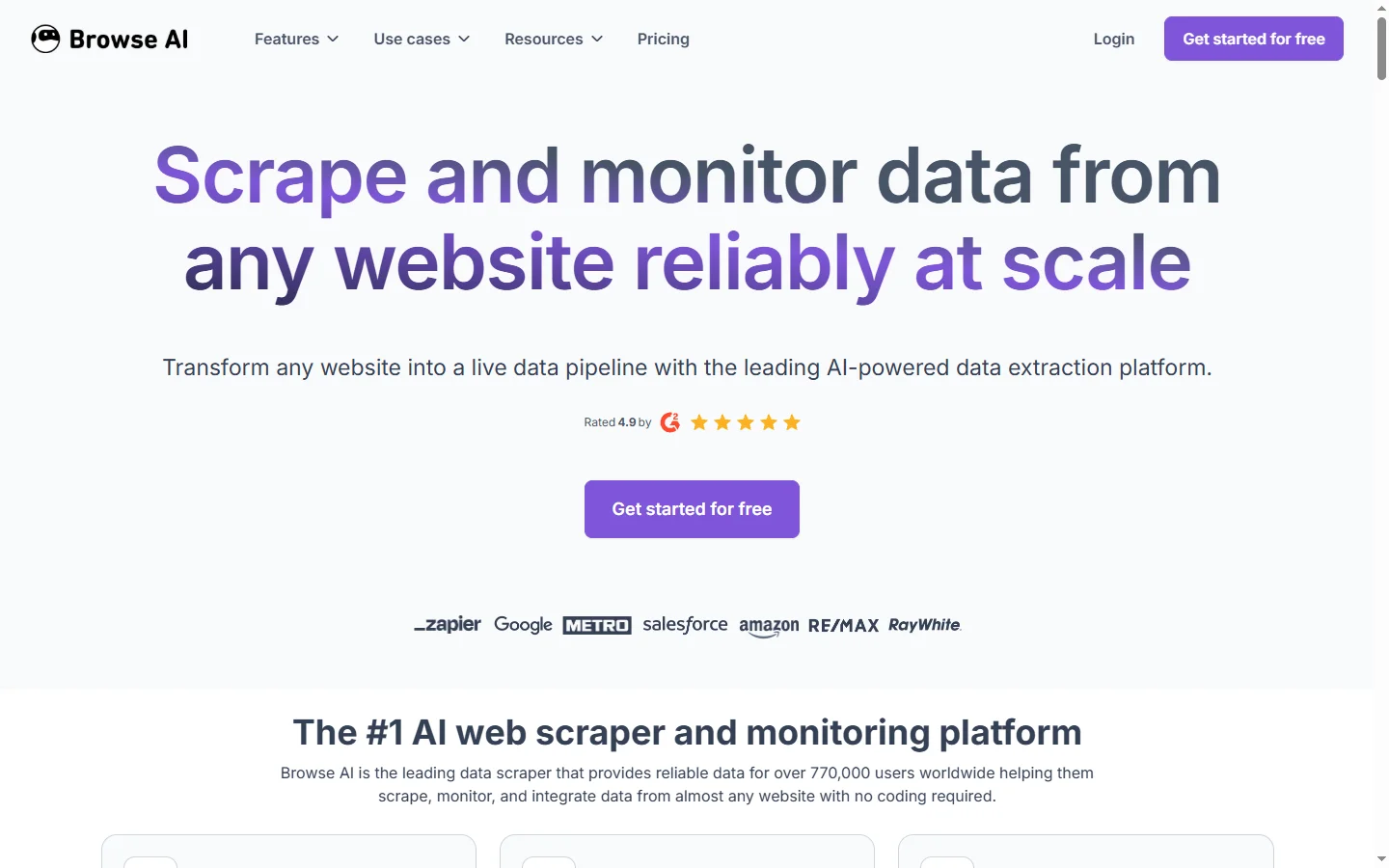
Freemium ✓ VerifiedBrowse AI is a no-code web scraping and monitoring tool that extracts structured data from any website and tracks changes over time without writing code.
📋 About Browse AI
Browse AI is a browse ai web scraping platform that lets users extract structured data from any website using a no-code robot training interface. Rather than writing CSS selectors, XPath, or custom scraper scripts, users teach Browse AI robots what to extract by clicking on elements in a visual browser session. The trained robot can then re-run on demand or on a schedule, returning structured data in JSON, CSV, or spreadsheet format for downstream use in analytics, research, or business workflows.
Beyond one-time extraction, Browse AI supports website change monitoring, alerting users when specific data points on a tracked page update. This makes it practical for competitive price tracking, inventory monitoring, job listing surveillance, and any use case that requires staying current with information that changes on a schedule or in response to events. The platform handles login flows, pagination, and dynamic JavaScript-rendered content that simpler scrapers cannot reach.
Browse AI operates on a freemium model with a credit-based usage system where each robot run consumes credits. It is positioned as an accessible alternative to developer-built scrapers for business users, researchers, and operations teams who need reliable web data extraction without the overhead of maintaining custom scraping infrastructure. The platform's no-code design makes it practical for non-technical users while the API and integrations layer serves technical teams who want to pipe extracted data into existing workflows.
⚡ Key Features of Browse AI
Browse AI No-Code Robot Training
Train a data extraction robot by clicking on the elements you want to capture in a live browser session — no CSS selectors, XPath, or programming knowledge required. The browse ai robot records your selection sequence and generalizes it to extract the same fields from all matching pages, including paginated listings and dynamically loaded content. Training typically takes under five minutes for straightforward extraction tasks. Robots can be duplicated and adapted for similar sites without starting from scratch.
Scheduled and On-Demand Extraction
Configure robots to run on a custom schedule — hourly, daily, weekly — or trigger them on demand via the dashboard or API. Scheduling is critical for use cases like price tracking, job board monitoring, and news aggregation where the value comes from fresh, regularly updated data rather than a one-time snapshot. The browse ai platform handles execution reliability and retries failed runs automatically. Historical run data is stored for comparison and trend analysis.
Website Change Monitoring and Alerts
Set up change detection on specific data points or page sections and receive email or webhook alerts when tracked values update. This AI web scraper monitoring capability is used for competitive intelligence, regulatory compliance tracking, and operational monitoring where humans cannot check pages manually at the required frequency. Alert thresholds can be configured to trigger only on meaningful changes rather than minor page updates. Monitoring runs independently of manual extraction robots.
JavaScript-Rendered and Login-Protected Pages
Extract data from pages that require JavaScript rendering, infinite scroll pagination, or authenticated login sessions — capabilities that rule out simpler HTTP-based scrapers. Browse AI runs real browser sessions to handle dynamic content the same way a human user would, including clicking through cookie consent dialogs and navigating multi-step authentication flows. This extends practical scraping reach to modern single-page applications and member-only content areas. Login credentials are stored securely per robot.
Structured Data Export and API
Download extracted data in CSV, JSON, or Google Sheets format directly from the dashboard, or retrieve it programmatically via the browse ai API for integration into data pipelines and applications. The API allows triggering robot runs with custom input parameters, enabling dynamic scraping where the target URL or search query changes per run. Zapier and Make integrations are available for no-code workflow automation connecting extracted data to other business tools. Webhooks deliver run results to external systems in real time.
Bulk Input and Multi-URL Extraction
Feed a list of URLs as robot input to extract consistent data fields from multiple pages in a single run, enabling large-scale data collection across product catalogs, company directories, and listing aggregators. The browse ai bulk extraction mode processes each URL in the list using the same trained robot configuration. Input lists can be uploaded as CSV or passed via API. This scales individual robot training to hundreds or thousands of pages without reconfiguration.
🎯 Use Cases for Browse AI
⚖️ Browse AI Pros & Cons
Advantages
- ✓No-code robot training is genuinely accessible to non-technical business users
- ✓Handles JavaScript-rendered and login-protected pages that basic scrapers cannot reach
- ✓Change monitoring and alerts eliminate the need to manually check tracked pages
- ✓Bulk URL input scales a single robot training to large-scale data collection
- ✓API and webhook integrations connect extracted data to existing business workflows
Drawbacks
- ✗Credit-based usage model means costs scale with extraction volume and frequency
- ✗Very complex multi-step navigation flows may require support or workarounds
- ✗Free tier credits are limited and may not cover ongoing scheduled monitoring use cases
📖 How to Use Browse AI
Sign up at browse.ai and create a new robot using the visual training interface.
Navigate to the target website in the Browse AI browser and click on the data elements you want to extract — the robot records your selections.
Test the trained robot on a sample page to confirm it extracts the correct fields before saving.
Configure a run schedule for recurring extraction or set up a change monitoring alert for the tracked data point.
Connect the extracted data to your workflow by downloading CSV exports, setting up a webhook, or using the browse ai API to pull results programmatically.
For bulk extraction, upload a CSV of target URLs as robot input and run the job across all pages in one scheduled execution.
❓ Browse AI FAQ
Browse AI is a no-code web scraping and monitoring platform that lets users extract structured data from any website by training robots in a visual browser interface, with no programming required.
Yes. Browse AI uses real browser sessions to render JavaScript content, handle dynamic loading, and navigate interactive page elements, making it capable of scraping modern single-page applications and dynamically loaded listings.
Browse AI uses a credit-based system where each robot run consumes credits based on the number of pages processed. A free tier includes a limited monthly credit allocation. Paid plans provide more credits and additional features.
Legality depends on the target site's terms of service and applicable jurisdiction. Browse AI provides the technical capability to extract publicly available data. Users are responsible for complying with the terms of service of any site they scrape.
Yes. Browse AI includes change monitoring that tracks specific data points on a page and sends email or webhook alerts when the tracked value changes, enabling automated monitoring of competitor prices, inventory levels, and other dynamic content.
Related to Browse AI


Featured on WhatIf.ai
Add this badge to your website to show you're listed on WhatIf AI
Alternatives to Browse AI

A2E AI
A2E AI productivity platform converts audio and video recordings into transcripts, summaries, and action items with speaker identification.

Abnormal AI
Abnormal AI uses behavioral AI to detect business email compromise, account takeover, and socially engineered phishing that bypasses secure email gateways.

Abridge AI
Abridge AI medical documentation platform that records and summarizes clinical conversations into structured physician notes in real time.

Air AI
Air AI conducts autonomous full-length AI phone calls for sales prospecting, appointment setting, and customer service without human agents.