
Dzine AI
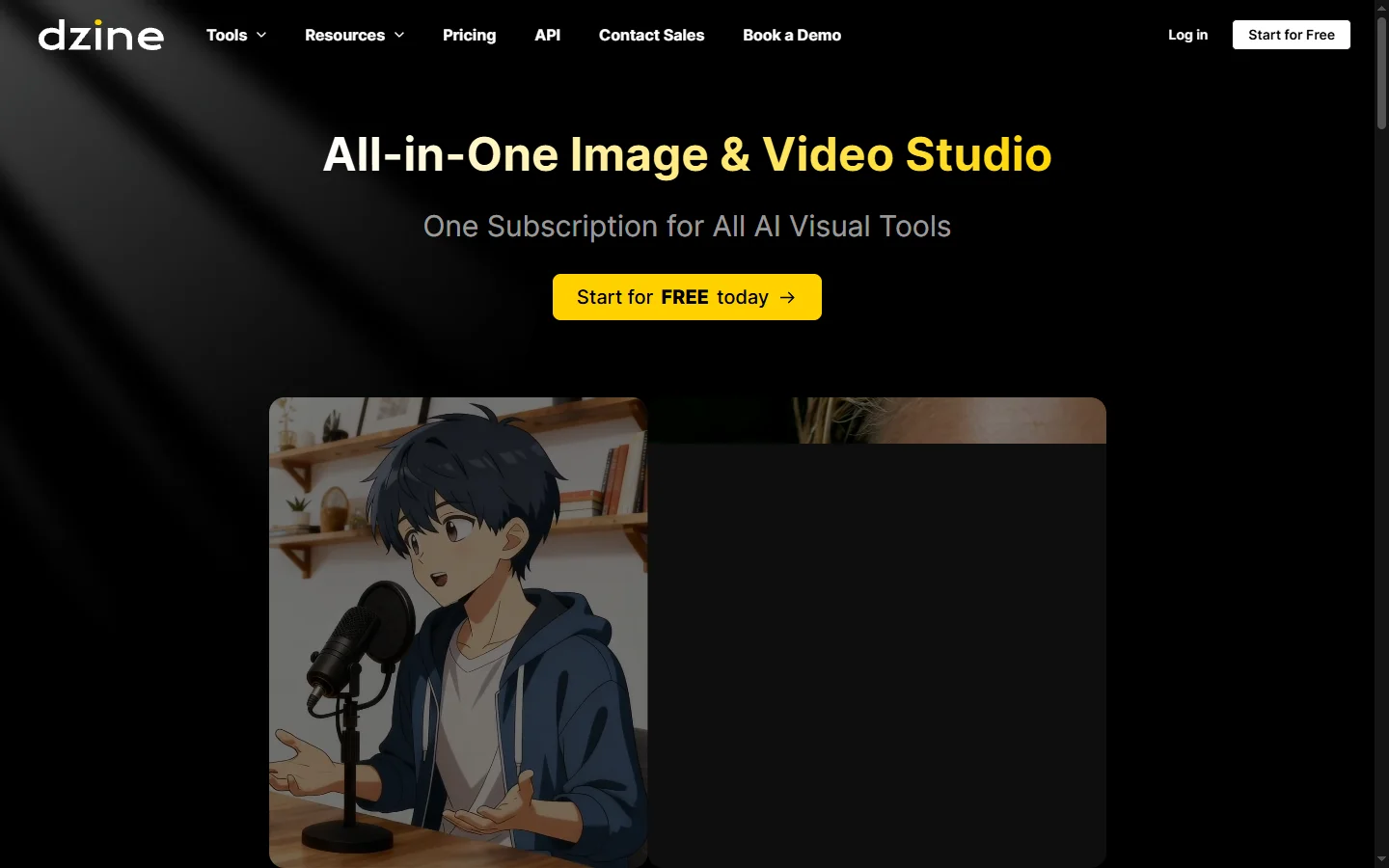
FreemiumDzine AI graphic design platform that combines AI image generation with templates and design tools for ready-to-use marketing visuals.
📋 About Dzine AI
Dzine AI is a dzine ai graphic design and image generation platform that combines AI image creation with practical design tools for producing social media graphics, marketing materials, and branded content. The platform is aimed at non-designers and small business owners who need polished visual assets without the complexity of professional design software. Users can generate images from text prompts, apply them to design templates, add text layers, adjust backgrounds, and export finished graphics ready for digital or print use.
Dzine AI includes a background removal tool, an image upscaler, and AI-powered style transfer that can apply a consistent visual aesthetic across multiple images. The template library covers common use cases including social media posts, banners, thumbnails, and promotional materials. Unlike pure image generators, Dzine AI wraps generation capabilities inside a broader design canvas workflow, so the output is a finished, usable asset rather than a raw generated image that still requires layout work.
The platform is positioned as an accessible design assistant for entrepreneurs, content creators, and marketing teams that want to move quickly from idea to publishable visual without hiring a designer or learning complex tools. The freemium plan provides limited generation credits and standard export resolution, with paid plans removing these restrictions.
⚡ Key Features of Dzine AI
Dzine AI Image Generation
Generates images from text prompts using AI diffusion models and places them directly into an editable design canvas without requiring a separate image generation tool. The integration of generation and layout in one workspace removes the copy-paste step that interrupts most image generation workflows. Multiple generation attempts can be made within the same canvas session. Generated images are immediately available for template application, text overlay, and export.
Design Template Library
Hundreds of templates for social media posts, banners, thumbnails, and marketing materials provide starting points for common design tasks without building from scratch. Templates are sized correctly for each platform's specifications by default. Applying a template to a generated or uploaded image updates the surrounding design elements while preserving the core visual. This allows users to move from blank canvas to styled social graphic in a few minutes.
Background Removal Tool
Automatically removes image backgrounds in a single click, isolating subjects for use on custom or transparent backgrounds without manual selection. Background removal works on both AI-generated and uploaded images. The isolated subject can then be placed on a new background, layered over a template, or exported with transparency for further use. This is a practical utility feature that would otherwise require dedicated editing software.
AI Image Upscaler
Enhances the resolution of generated or uploaded images without visible quality loss, making them suitable for print and high-resolution digital applications. Upscaling is applied to finished images before export rather than requiring a separate tool or service. This is particularly useful for generating marketing assets at web resolution and then upscaling for print use without a new generation. The feature removes a common limitation of AI-generated images for print workflows.
Style Transfer
Applies a consistent visual style or aesthetic across multiple images to maintain brand coherence across a content set or campaign. Style transfer can apply color grading, artistic treatment, or photographic style from one reference image to others. This is useful for creating a visually unified set of marketing materials from varied source images. The feature saves significant manual editing time when consistency across a batch of images is required.
Canvas Design Editor
Drag-and-drop canvas with text, shape, and layer controls lets users build complete finished designs from generated assets without leaving the platform. The editor supports basic design operations — text styling, color adjustment, element positioning — without requiring design software knowledge. Layers allow users to combine multiple elements into a composition. Export from the canvas produces a finished file ready for publication or print.
🎯 Use Cases for Dzine AI
⚖️ Dzine AI Pros & Cons
Advantages
- ✓Combines image generation and design layout in one workflow without switching between tools
- ✓Template library speeds up production for the most common marketing and social media formats
- ✓Background removal and upscaling tools add practical utility beyond pure image generation
- ✓No design experience required for most tasks, making it genuinely accessible to non-designers
- ✓Style transfer helps maintain visual consistency across content batches and campaigns
Drawbacks
- ✗Free plan limits generation credits and export resolution, restricting serious use without a subscription
- ✗Canvas editor is less powerful than dedicated tools like Canva or Adobe Express for complex layouts
- ✗Generated images may require multiple attempts to match highly specific or niche visual concepts
- ✗Template variety may feel limited for specialized industry niches beyond common marketing formats
📖 How to Use Dzine AI
Sign up at dzine.ai and choose a template or start from a blank canvas in the design editor.
Enter a text prompt to generate an AI image or upload your own asset as the starting point.
Apply background removal, upscaling, or style transfer to the image as needed for your design.
Add text layers, shapes, and branding elements using the canvas drag-and-drop editor.
Preview the finished design and adjust colors, fonts, or layout before finalizing.
Export the completed graphic in your required format and resolution for digital or print use.
❓ Dzine AI FAQ
Dzine AI offers a freemium plan with limited generation credits and standard export resolution. Paid plans unlock more credits, higher-resolution exports, and additional design features.
Dzine AI is used to create social media graphics, marketing banners, product visuals, thumbnails, and other branded image assets by combining AI image generation with a drag-and-drop design canvas.
Canva is a broader design platform with a large template library, real-time collaboration, and many third-party integrations. Dzine AI emphasizes AI image generation integrated directly into the design workflow, making it a stronger choice when AI-generated visuals are the core of the asset rather than an added feature.
Commercial use rights depend on your plan tier and the platform's current terms of service. Review the licensing terms on the Dzine AI website before using generated images in commercial campaigns or products.
Depending on the plan, Dzine AI may support saving brand colors and fonts for consistent use across designs. Check the current plan features on the website for specific brand kit availability.
Related to Dzine AI

Featured on WhatIf.ai
Add this badge to your website to show you're listed on WhatIf AI
Alternatives to Dzine AI

Aragon AI
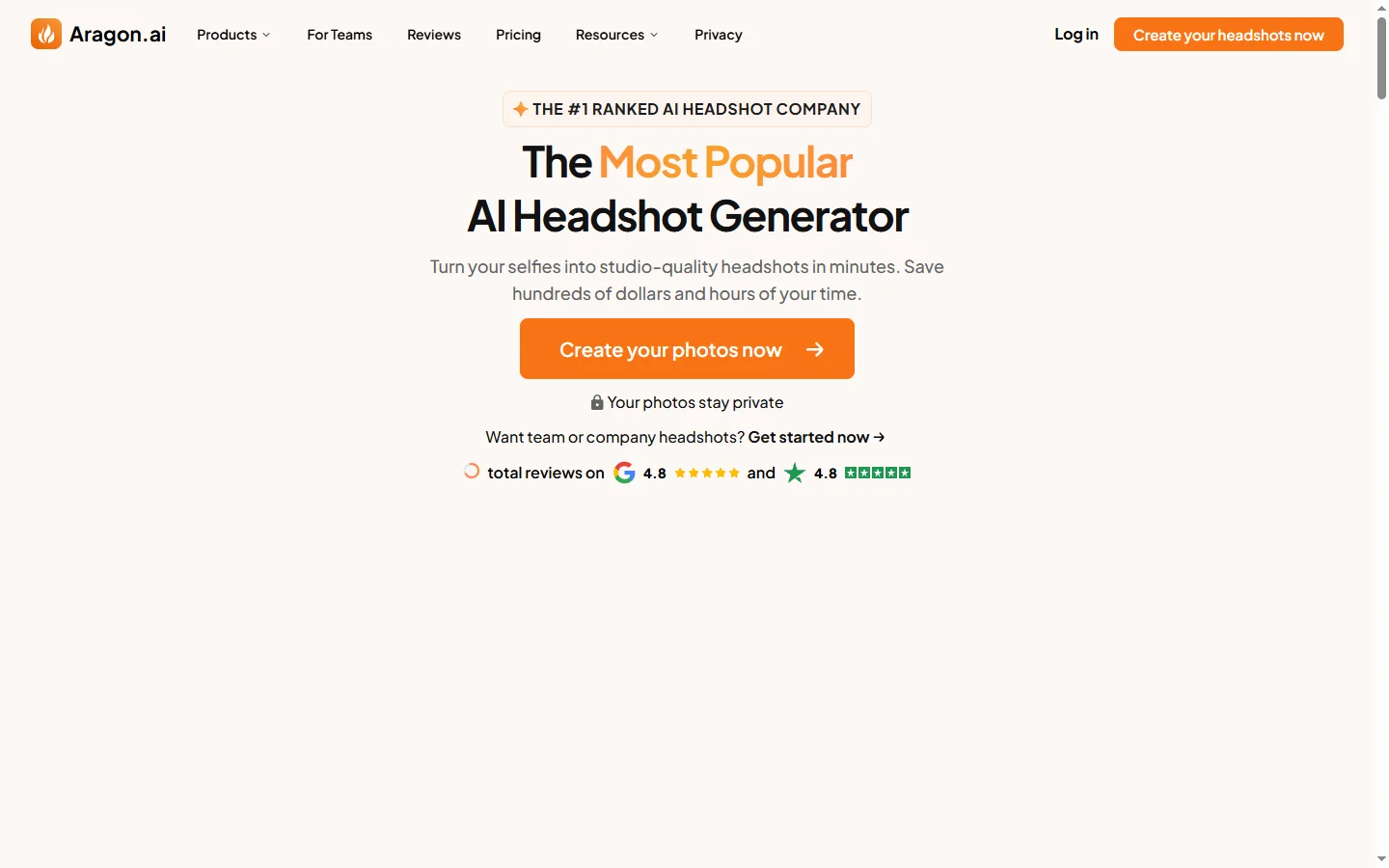
Aragon AI professional headshot generator that creates studio-quality portrait photos from uploaded selfies using a personalized AI model.

ArtGuru AI
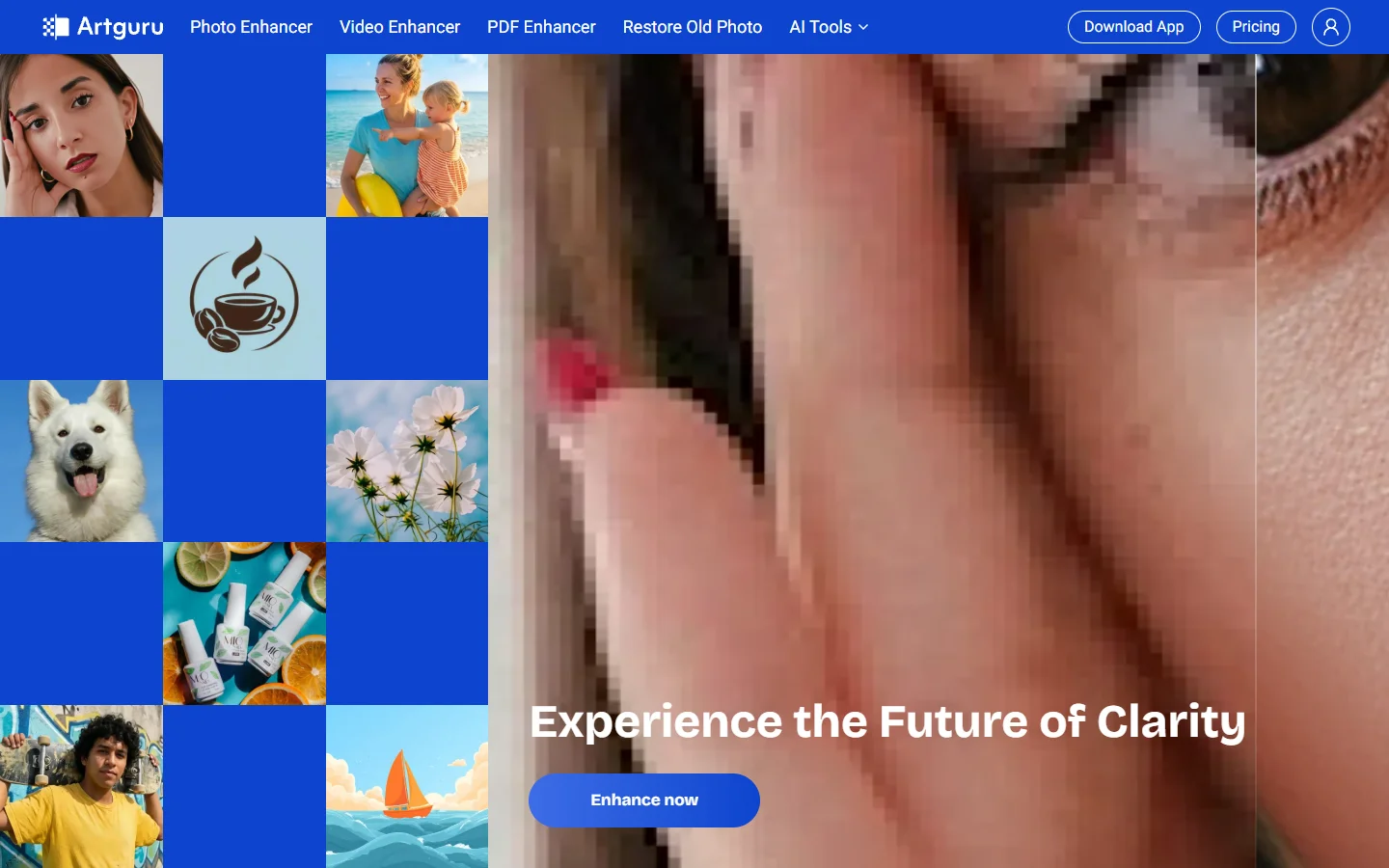
ArtGuru AI generates images from text prompts in a wide range of artistic styles, with additional tools for face enhancement, background removal, and image upscaling.

Dezgo AI
Dezgo AI is a free text-to-image generator powered by Stable Diffusion models, offering multiple model options and image editing tools in the browser.
Foxy AI
Foxy AI image recognition platform that classifies objects, extracts text, and analyzes visual content for automated business workflows via API.