
Jamie AI
FreemiumJamie AI is an AI meeting assistant that generates structured meeting summaries, action items, and notes without requiring a bot to join the call.
Screenshot coming soon
📋 About Jamie AI
Jamie AI is an AI meeting assistant that automatically captures, transcribes, and summarizes meetings without adding a bot participant to the call. Unlike most AI meeting tools that join the meeting as a visible participant, Jamie AI runs locally on the user's device and listens through the system audio, making it invisible to other meeting participants and removing the social friction of an AI recorder appearing in the attendee list. This makes it suitable for sensitive client calls, executive discussions, and situations where an explicit recording bot would be unwelcome or awkward.
After a meeting ends, Jamie AI generates a structured summary that goes beyond a raw transcript — it identifies key decisions made, action items with attributed owners where possible, topics discussed, and open questions, organized into a readable format that can be reviewed in a few minutes rather than re-listening to a full recording. The jamie ai summary approach is designed to capture the most meeting-relevant information without burying it in a wall of transcript text. Users can also ask follow-up questions about the meeting content using a conversational interface that queries the underlying transcript.
Jamie AI supports over 15 languages in transcription and summary generation, making it practical for international teams conducting meetings in languages other than English. The platform integrates with popular note-taking and productivity tools including Notion, Obsidian, and others via export, and supports calendar integration for automatic meeting detection. A free tier with a limited number of meeting summaries per month is available, with paid plans extending monthly usage and adding team features including shared summaries and workspace organization.
⚡ Key Features of Jamie AI
Bot-Free Meeting Capture
Jamie AI captures meeting audio through the device's system audio without joining the call as a visible bot participant, making it invisible to other attendees and removing the discomfort of an AI recorder appearing in the meeting attendee list. This approach works across all major video conferencing platforms — Zoom, Google Meet, Microsoft Teams, and others — without requiring platform-specific integrations or host permissions to record. The jamie ai capture process begins when the user activates recording before or during a call and runs silently in the background. No bot invite is required and other participants are not notified by the tool itself.
Structured Meeting Summaries
After each meeting, Jamie AI generates a structured summary that organizes the content into clearly labeled sections — topics discussed, decisions made, action items, and open questions — rather than presenting a raw transcript block that requires reading in full to extract useful information. The jamie ai summary is typically ready within a few minutes of the meeting ending and is formatted for quick review. Action items are listed separately with attributed owners where speaker attribution is available, making follow-up tracking immediate. Summary quality is designed to be accurate enough to share directly with meeting participants as a record of outcomes.
Multilingual Transcription and Summarization
Jamie AI transcribes and summarizes meetings in over 15 languages including English, German, French, Spanish, Portuguese, Dutch, and others, making it suitable for international teams conducting business meetings in their native language without defaulting to English-only tools. The multilingual capability covers both transcription accuracy and summary generation in the meeting language, so the output is readable and coherent in the language the meeting was conducted in. Language detection is automatic and does not require manual configuration per meeting. Mixed-language meetings are handled with reasonable accuracy for the primary language used.
Conversational Meeting Query
Ask follow-up questions about any recorded meeting using a conversational chat interface that queries the underlying transcript and returns specific answers, quotes, and context rather than requiring users to search through the full text. The jamie ai query feature handles questions like 'What did we agree to do about the budget?' or 'Who is responsible for the client deliverable?' and surfaces the relevant transcript section with supporting context. This makes finding specific information from past meetings faster than scrubbing through recordings or searching raw transcript text. The query interface is available immediately after the summary is generated.
Calendar Integration and Auto-Detection
Connect Jamie AI to Google Calendar or Outlook to automatically detect upcoming meetings and prompt recording activation before each scheduled call, reducing the risk of forgetting to start capture for important meetings. Calendar integration also populates meeting metadata — attendee names, meeting title, and scheduled time — into the summary and note header automatically so context is captured without manual entry. The jamie ai calendar connection can be configured to prompt recording for all meetings or only those matching specific filters such as external attendees or particular calendar categories.
Export and Integration Options
Export Jamie AI meeting summaries to Notion, Obsidian, and other note-taking tools, or copy structured output directly for pasting into project management systems, email follow-ups, or internal documentation. Export formats include Markdown for note-taking app compatibility and plain text for general use. The jamie ai export preserves the structured section format of the summary including headers, action item lists, and decision records. Team workspace features on paid plans allow sharing summaries with colleagues directly within the platform without requiring external file transfers.
🎯 Use Cases for Jamie AI
⚖️ Jamie AI Pros & Cons
Advantages
- ✓No bot joins the call — invisible capture removes social friction on sensitive or executive meetings
- ✓Structured summaries with separated action items are faster to review than raw transcripts
- ✓Supports 15+ languages for international team use
- ✓Integrates with Notion, Obsidian, and calendar tools for smooth workflow fit
Drawbacks
- ✗System audio capture requires the user's device to be present and active during the meeting — not suitable for calls attended from mobile only
- ✗Free tier limits the number of meeting summaries per month, restricting value for users with heavy meeting schedules
- ✗Speaker attribution accuracy varies depending on audio quality and the number of participants
📖 How to Use Jamie AI
Download the Jamie AI app at jamie.ai and create an account — the free tier does not require a credit card.
Connect your Google Calendar or Outlook to enable automatic meeting detection and pre-meeting recording prompts.
Before your next meeting starts, activate Jamie AI recording from the app — it will capture audio through your system without joining the call.
When the meeting ends, stop recording and wait a few minutes for Jamie AI to generate the structured summary.
Review the summary sections — topics, decisions, action items, open questions — and use the query interface to find any specific detail.
Export the summary to Notion or your preferred note tool, or share it with meeting participants as a post-meeting record.
❓ Jamie AI FAQ
Jamie AI is an AI meeting assistant that records, transcribes, and summarizes meetings without joining the call as a visible bot. It captures audio through the device's system audio and generates structured notes with action items and decisions after each meeting.
No. Jamie AI captures meeting audio through system audio on the user's device, making it invisible to other call participants. No bot joins the meeting and no host permission to record is required from the platform.
Jamie AI offers a free tier with a limited number of meeting summaries per month. Paid plans extend monthly usage and add team features including shared summaries and workspace organization.
Jamie AI supports transcription and summarization in over 15 languages including English, German, French, Spanish, Portuguese, and Dutch. Language detection is automatic without requiring manual configuration per meeting.
The key difference is that jamie ai does not join meetings as a visible bot, while Otter.ai and Fireflies add a participant to the call. Jamie AI captures through system audio, making it invisible and suitable for sensitive meetings where a bot presence would be inappropriate. Both categories produce transcripts and summaries, but the capture method is fundamentally different.
Related to Jamie AI


Featured on WhatIf.ai
Add this badge to your website to show you're listed on WhatIf AI
Alternatives to Jamie AI
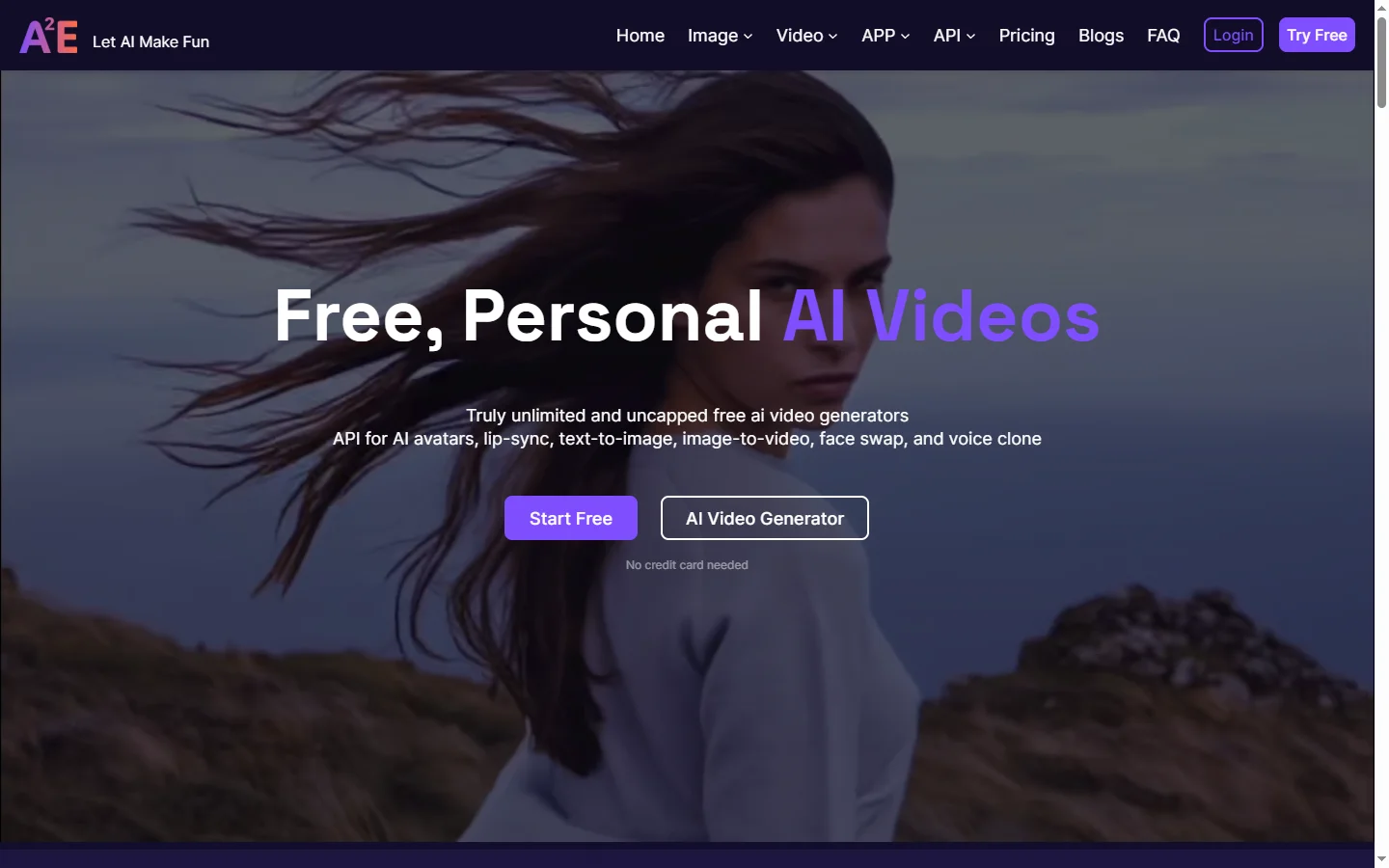
A2E AI
A2E AI productivity platform converts audio and video recordings into transcripts, summaries, and action items with speaker identification.
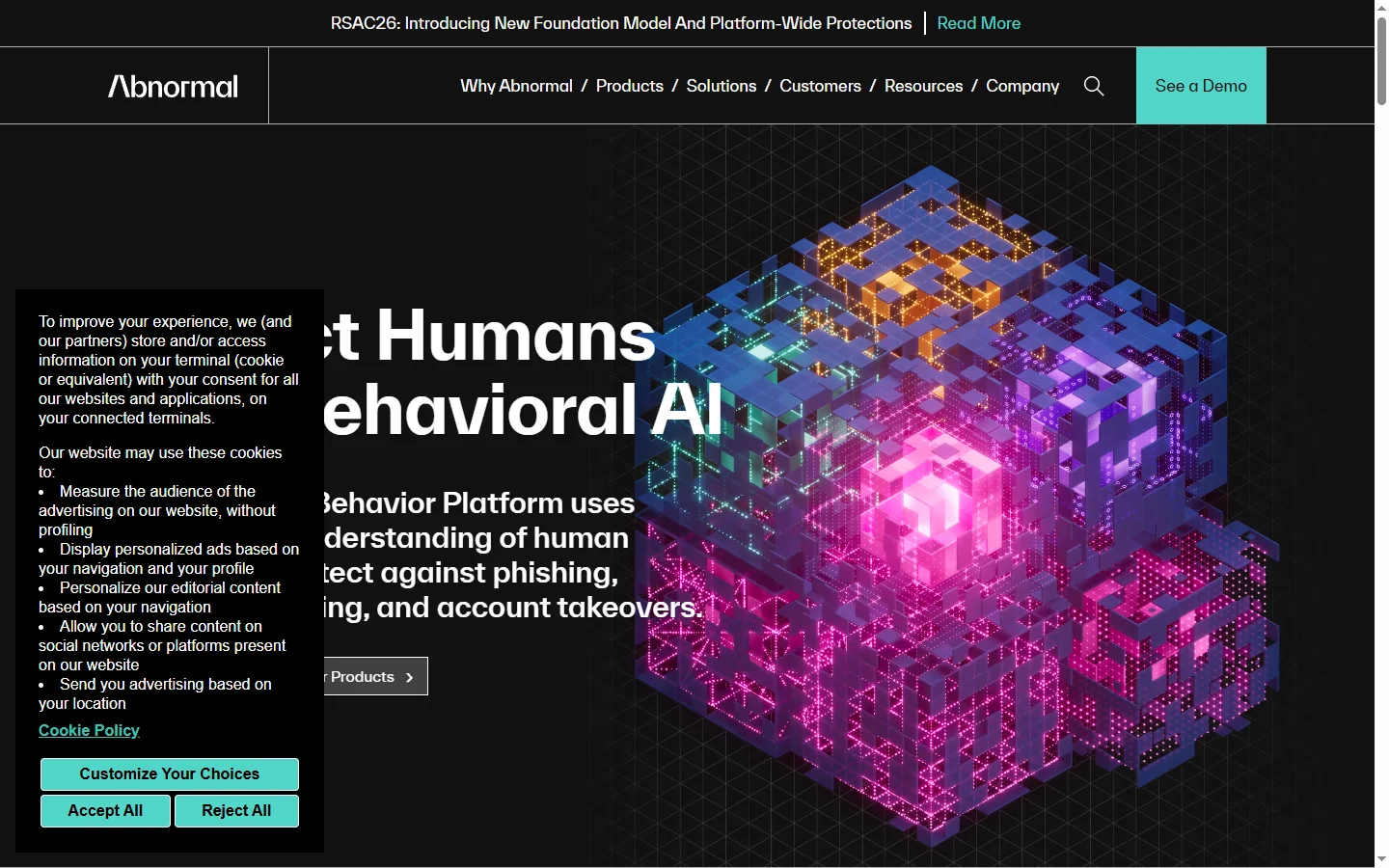

Abnormal AI
Abnormal AI uses behavioral AI to detect business email compromise, account takeover, and socially engineered phishing that bypasses secure email gateways.
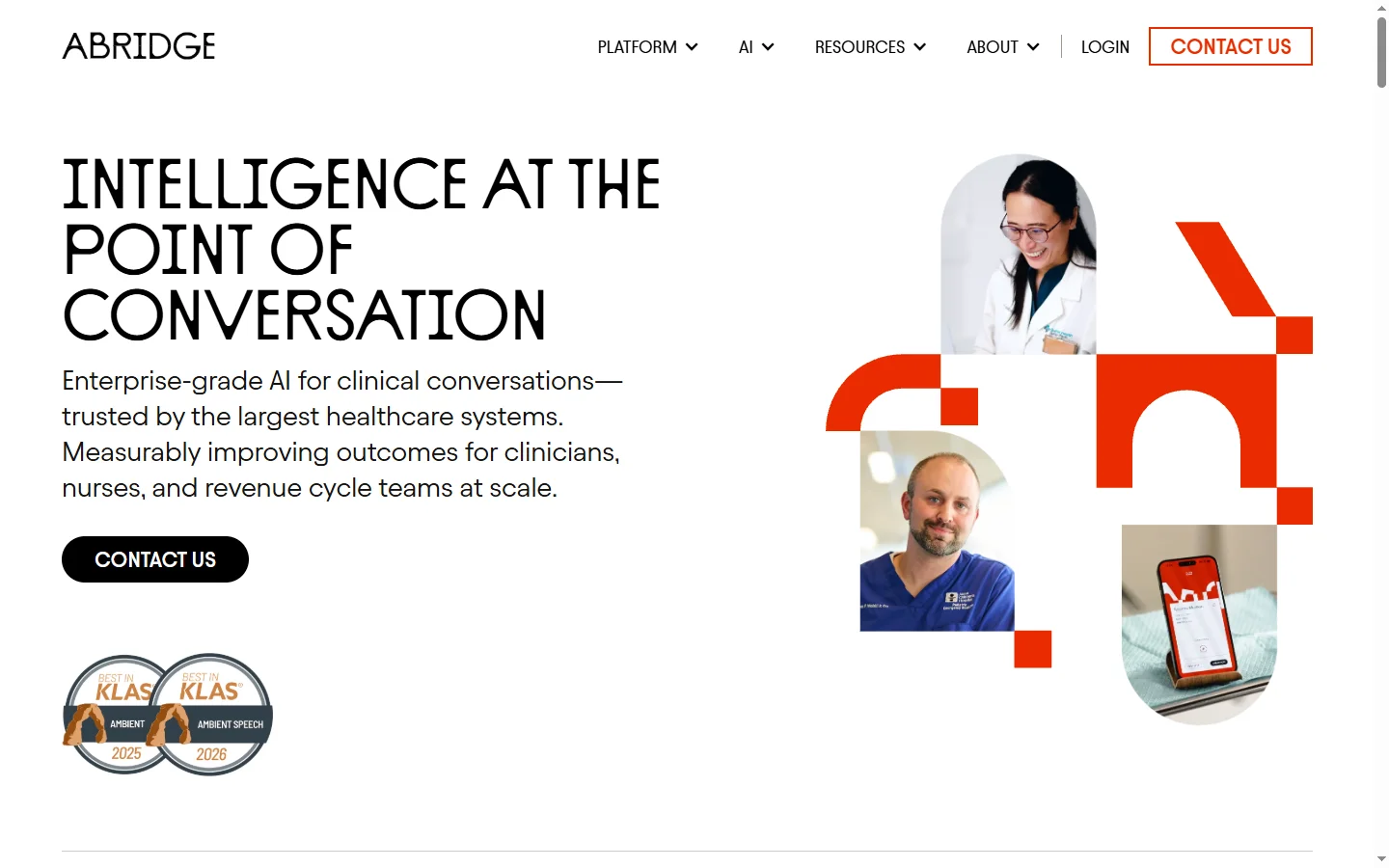

Abridge AI
Abridge AI medical documentation platform that records and summarizes clinical conversations into structured physician notes in real time.

Air AI
Air AI conducts autonomous full-length AI phone calls for sales prospecting, appointment setting, and customer service without human agents.