
Runway
Freemium ✓ VerifiedRunway AI video editor and generator offering text-to-video, inpainting, background removal, and motion tools in a browser-based creative suite.
📋 About Runway
Runway is a browser-based runway ai video editor and generation platform used by filmmakers, content creators, and visual artists to produce and manipulate video using AI. Its Gen-3 Alpha model handles text-to-video, image-to-video, and video-to-video transformations with strong temporal consistency and fine detail. Unlike single-purpose video generators, Runway functions as a full creative suite: alongside video generation it provides AI-powered background removal, inpainting, green screen keying, frame interpolation, motion brush controls, and audio cleanup.
The platform's runway ai video editor capabilities make it practical not just for generating new footage but for enhancing and editing existing clips. The Motion Brush tool lets users paint directional animation onto specific regions of an image before generation, giving directors precise control over which elements animate and in which direction. As an AI video editing tool, it connects generative output with a traditional post-production pipeline rather than treating generation and editing as separate workflows. Export formats are compatible with Adobe Premiere, DaVinci Resolve, and Final Cut Pro.
Runway serves a wide range of users from independent creators on tight budgets to studio production teams. No software installation is required — the entire workflow runs in the browser, which reduces IT overhead for teams and eliminates hardware requirements. The free tier includes 125 one-time credits to explore core features, while Standard and Pro plans provide monthly credit allocations. Runway's consistent investment in new model versions means the platform's generative quality improves regularly without users needing to switch tools.
⚡ Key Features of Runway
Gen-3 Alpha Text-to-Video
Generate short video clips from detailed text prompts using Runway's Gen-3 Alpha model, which produces strong scene coherence, realistic motion, and cinematic framing across a variety of subjects and styles. Detailed prompts that specify camera movement type — dolly, pan, zoom — and lighting conditions yield the most consistent results. The ai video generator handles both photorealistic scenes and stylized or illustrated aesthetics depending on the prompt framing. Generation typically runs in 30 to 90 seconds for a standard clip.
Runway AI Video Editor Tools
The runway ai video editor suite includes background removal, green screen keying, and inpainting that operate on uploaded real-world footage, not just AI-generated clips. Background removal detects and isolates subjects frame by frame, replacing backgrounds with transparency, color fills, or alternative imagery without manual rotoscoping. These tools integrate into a single timeline-based editing interface so generation and editing happen in the same workflow without exporting between applications. This makes Runway a practical all-in-one solution for short-form video production.
Image-to-Video Animation
Animate a still image by describing the motion you want — this ai video editing tool extrapolates natural movement while respecting the source image's composition, color palette, and subject positioning. Motion is applied globally across the scene or selectively using the Motion Brush tool to specify which elements move. The resulting clip maintains the visual identity of the original image more faithfully than text-only generation. Portrait photos, product shots, and concept art are all common inputs for this workflow.
Motion Brush
Paint motion onto specific regions of an image using directional brush strokes before sending it to the ai video generator, providing precise control over which elements animate and in which direction. This gives directors a level of scene control closer to traditional animation planning rather than accepting whatever motion the model decides to apply. Different brush layers can specify different motion types — a background element can have a slow lateral drift while a foreground character has more active movement. Motion Brush is one of Runway's most distinctive capabilities compared to competing text-to-video tools.
Video Inpainting
Select any region of a video frame using a mask brush and replace it with AI-generated content that matches the surrounding scene's lighting, color, and visual style seamlessly across all affected frames. This is used to remove unwanted objects from footage, replace branded elements for repurposing, or substitute backgrounds in clips that cannot be re-filmed. The runway ai video editor applies the inpaint consistently through the temporal dimension of the clip rather than per-frame, reducing flickering artifacts. Results are most consistent on static or slow-moving backgrounds.
Frame Interpolation
Increase video frame rate by having AI generate the intermediate frames between existing ones, resulting in smoother slow-motion effects and higher perceived quality without re-filming. This is useful for taking 24fps footage and producing 60fps or 120fps outputs for smooth playback, or for creating extended slow-motion sequences from standard-speed footage. The interpolated frames are generated from the actual content rather than blended, so motion trajectories follow realistic physics rather than simple averaging. Output quality depends heavily on the source clip's motion complexity.
Audio Cleanup
Remove background noise, echo, room resonance, and interference from recorded audio tracks automatically without manual EQ or spectral editing, improving dialogue and narration quality for footage that was not recorded under ideal acoustic conditions. This ai video editing tool process runs in the browser alongside video editing without requiring a separate audio application. The result is a cleaner dialogue track that mixes more naturally in post-production. Audio cleanup is particularly useful for outdoor interviews, home office recordings, and event footage.
🎯 Use Cases for Runway
⚖️ Runway Pros & Cons
Advantages
- ✓All-in-one suite combining generation and editing tools in a single platform
- ✓No installation required — fully browser-based workflow accessible on any device
- ✓Motion Brush gives precise directorial control over animation in generated clips
- ✓Compatible with professional post-production export formats
Drawbacks
- ✗Free tier is very limited at 125 one-time credits with no monthly renewal
- ✗Generated video clips are short — typically 4 to 16 seconds per generation
- ✗Rendering queues can slow down significantly during peak platform usage
- ✗Standard and Pro plans are expensive relative to single-purpose video tools
📖 How to Use Runway
Sign up for a free account at runwayml.com — no credit card required for the free tier.
Select a tool from the dashboard: Gen-3 for text-to-video generation, or an editing tool like Background Removal or Inpainting.
For text-to-video, type a detailed scene description including setting, lighting, camera movement, and subject action.
Use Motion Brush on an image to paint directional motion onto specific elements before generating.
Preview the generated or edited clip in the browser and adjust your prompt or settings if needed.
Download the finished video in MP4 format or continue editing using Runway's timeline editor before export.
❓ Runway FAQ
Yes, Runway has a free tier that includes 125 one-time credits to explore the platform. Paid plans start at $15/month for Standard (625 credits/month) and go up to $35/month for Pro with 2,250 credits and higher resolution options.
The runway ai video editor combines generation and editing in one tool. You can generate new clips from text or images, remove backgrounds, inpaint specific regions of existing footage, interpolate frames for slow motion, and clean up audio — all without installing software.
Sora focuses on high-quality video generation with impressive physical realism, while Runway provides a broader editing toolkit that works with both generated and real footage. Runway has a freemium tier; Sora requires a ChatGPT Plus or Pro subscription. Runway is better suited to production workflows; Sora is stronger for pure generation quality.
Runway exports video in MP4 format, which is compatible with all major editing software including Adobe Premiere Pro, DaVinci Resolve, and Final Cut Pro for further post-production work.
Yes. Runway's editing tools — including background removal, inpainting, frame interpolation, and audio cleanup — work on uploaded video files, not just AI-generated content. This makes it practical as an ai video editing tool for enhancing real-world footage alongside generative workflows.
Related to Runway


Featured on WhatIf.ai
Add this badge to your website to show you're listed on WhatIf AI
Alternatives to Runway

Arcads AI
Arcads AI generates UGC-style video ads using AI actors from scripts, enabling performance marketers to produce ad creative variations at scale.

Artlist AI
Artlist AI music generation and royalty-free licensing platform for video creators, filmmakers, and content producers needing commercially cleared tracks.


BigMotion AI
BigMotion AI video and animation generation platform that creates motion content from text prompts and image inputs without animation software skills.
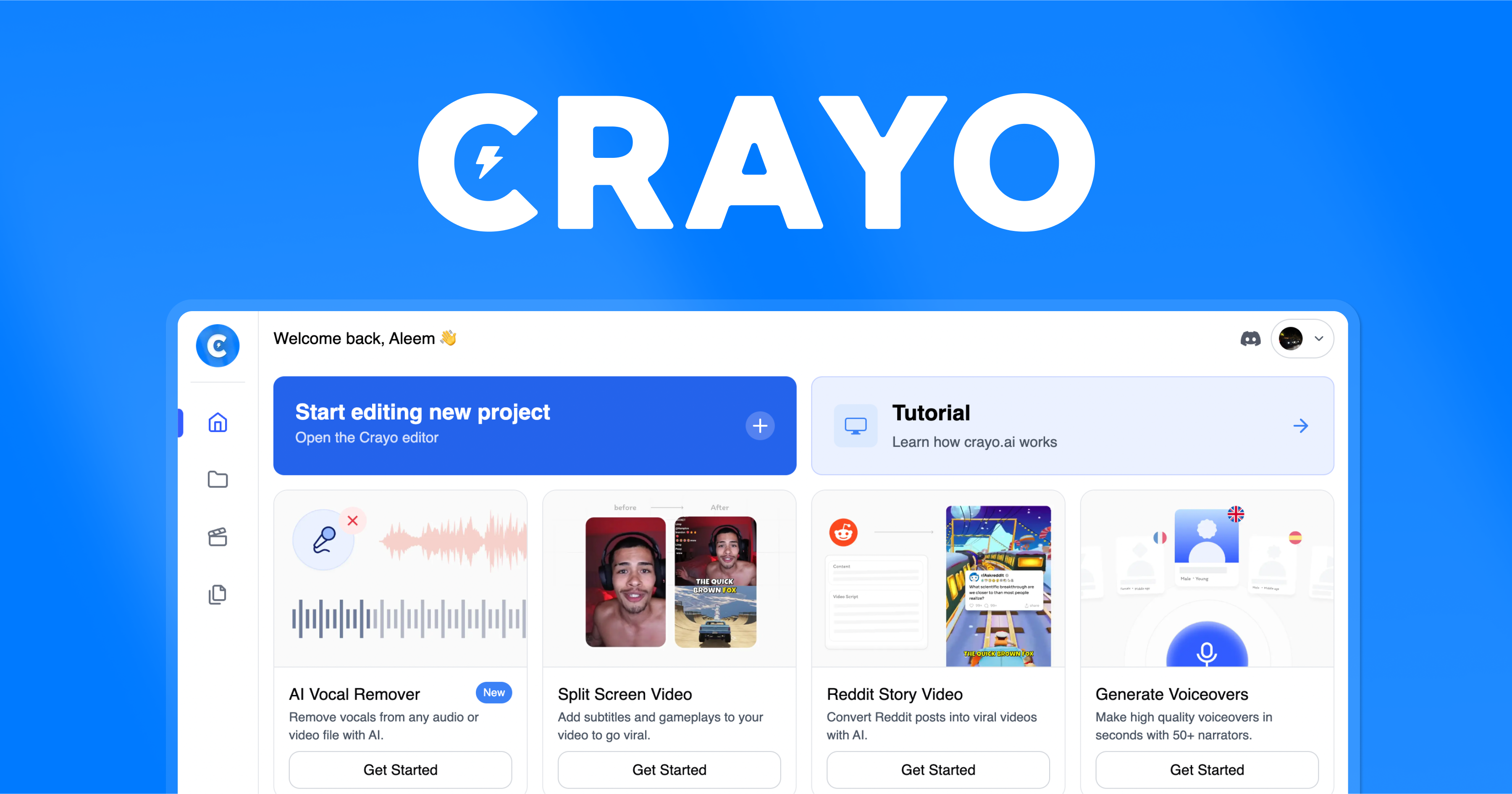
Crayo AI
Crayo AI is an AI short clips generator that automates the creation of viral short-form video content for TikTok, YouTube Shorts, and Instagram Reels.