
Suki AI
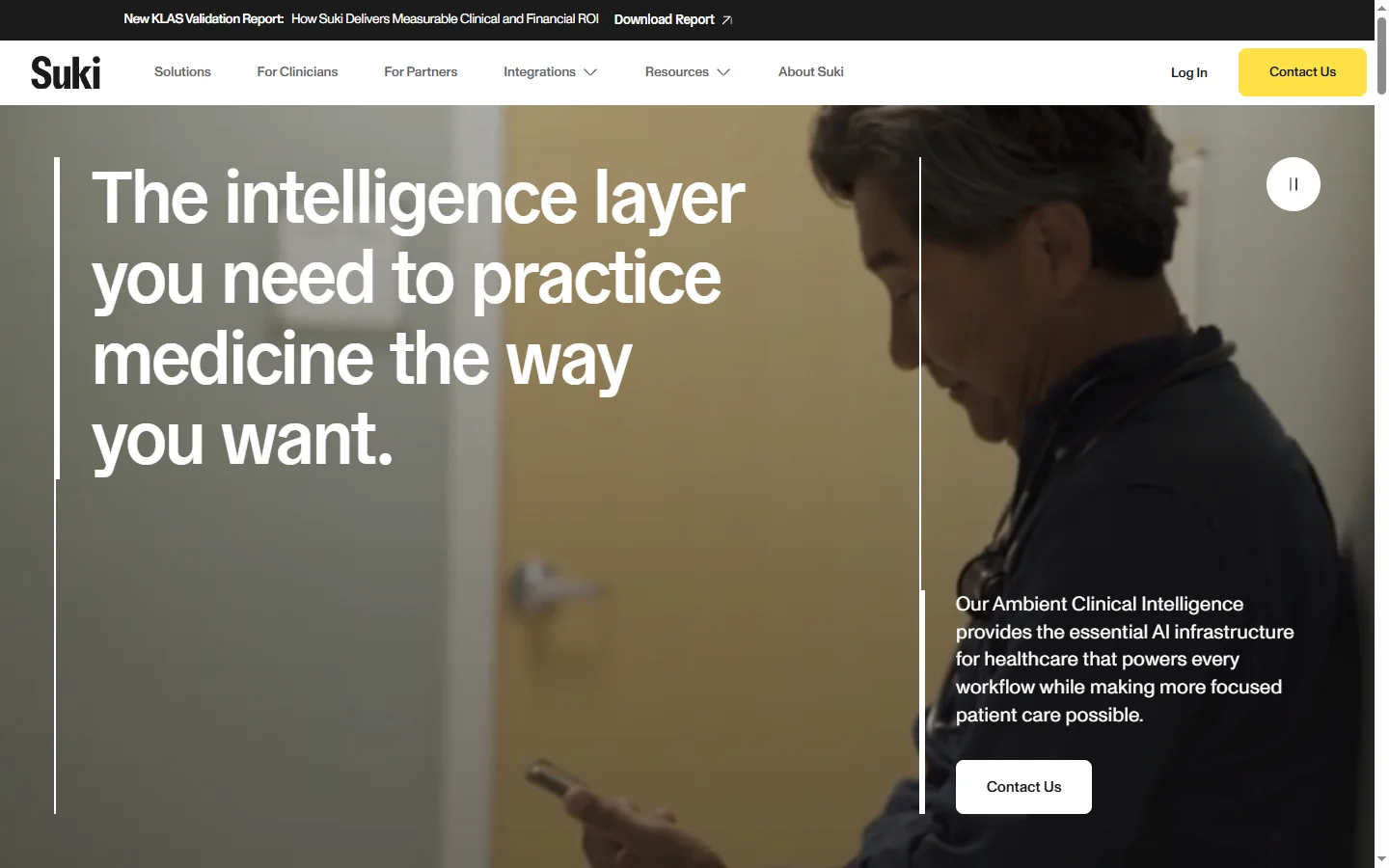
Paid ✓ VerifiedSuki AI is an AI-powered voice assistant for physicians that automates clinical documentation by generating structured notes from patient encounter audio.
📋 About Suki AI
Suki AI is a clinical documentation assistant designed specifically for physicians and healthcare providers. It listens to the spoken conversation during or after a patient encounter and generates structured clinical notes — including SOAP notes, referral letters, and after-visit summaries — that are formatted to the provider's documentation standards and integrated directly into the EHR. The core problem it addresses is the documentation burden that causes physician burnout: the time spent after hours typing notes rather than caring for patients or recovering.
The platform uses ambient listening technology, meaning the physician does not need to dictate in a structured way or pause the encounter to input data. Suki captures the natural conversation between provider and patient, extracts the clinically relevant elements, and organizes them into the appropriate note structure. The AI is trained on medical language and clinical workflows, which allows it to distinguish between clinical observations and general conversational content and to populate EHR fields with the right level of specificity.
Suki AI integrates with major EHR systems including Epic, Cerner, and others, allowing generated notes to be reviewed and signed within existing workflows rather than requiring a separate system. Pricing is enterprise and practice-level, targeting healthcare organizations looking to reduce documentation time and physician administrative burden at scale. Clinical accuracy and EHR integration depth are the key differentiating factors relative to general-purpose AI meeting assistants applied to healthcare.
⚡ Key Features of Suki AI
Ambient Clinical Documentation
Suki ai uses ambient listening to capture the natural conversation between physician and patient during an encounter and automatically generates structured clinical notes without requiring the physician to dictate in any specific format. The model distinguishes clinically relevant content from general conversation and organizes the extracted information into the appropriate sections of the note template. This eliminates the need for physicians to type notes after encounters, reducing after-hours documentation time significantly.
EHR Integration
Suki ai integrates directly with major EHR platforms including Epic and Cerner, allowing generated notes to be reviewed, edited, and signed within the physician's existing workflow rather than in a separate application. Integration means patient context, existing note history, and relevant medical codes are available to the documentation assistant, enabling more accurate and contextually appropriate note generation. The review-and-sign workflow is designed to take minutes rather than the extended time required for manual note entry.
Structured Note Templates
Generated notes follow the structured formats required for clinical documentation — SOAP notes, HPI, assessment and plan, referral letters, after-visit summaries — with the AI populating the relevant sections based on what was captured during the encounter. Template structures can be configured to match the documentation standards of the practice or health system. Specialty-specific templates are available for different clinical contexts including primary care, emergency medicine, and surgical specialties.
Voice Commands for EHR Navigation
Beyond documentation, suki ai supports voice commands for navigating EHR interfaces, pulling up patient records, ordering common medications, and completing routine EHR tasks without touching a keyboard or mouse. This reduces the cognitive switching cost of managing documentation and EHR navigation simultaneously during patient encounters. Voice command coverage expands over time based on the EHR integrations supported.
Review and Edit Interface
Before a generated note is signed, the physician reviews it in a clean interface that highlights AI-generated content and allows section-by-section editing. The review interface is designed to be faster than reading a full note from scratch — structured sections make it easy to scan for accuracy and completeness. Edits are incorporated and the finalized note is submitted to the EHR with a single action.
Analytics and Usage Reporting
Practice administrators and health system leaders get access to reporting on documentation metrics — time saved per provider, note completion rates, encounter documentation turnaround — that can be used to quantify the ROI of the deployment and identify providers who may need additional onboarding support. Aggregate reporting supports operational planning without exposing individual patient data.
🎯 Use Cases for Suki AI
⚖️ Suki AI Pros & Cons
Advantages
- ✓Ambient listening removes the need for structured dictation or post-encounter manual note entry
- ✓Direct EHR integration means notes are created in existing clinical workflows, not a separate system
- ✓Clinical AI model trained on medical language distinguishes relevant clinical content accurately
- ✓Reduces after-hours documentation time, a primary driver of physician burnout
Drawbacks
- ✗Enterprise pricing structure makes it inaccessible for solo practitioners or very small practices without a system-level purchasing decision
- ✗Ambient listening requires patient awareness and consent practices that vary by jurisdiction
- ✗EHR integration depth varies by platform — not all EHR features are accessible via voice command on every supported system
- ✗Requires a review step that, while fast, still requires physician attention before signing
📖 How to Use Suki AI
Contact Suki through suki.ai to initiate an enterprise or practice-level engagement and EHR integration assessment.
Complete the EHR integration setup with Suki's implementation team to connect the platform to your existing patient records system.
Onboard individual physicians through the Suki app available on mobile and desktop, including training on the ambient listening workflow.
Begin an encounter with the Suki app active — the ambient listening captures the conversation without requiring structured dictation.
After the encounter, review the generated draft note in the Suki interface, make any necessary edits, and sign to push to the EHR.
Use voice commands within the app to navigate the EHR and complete routine documentation tasks between encounters.
❓ Suki AI FAQ
Suki ai integrates with major EHR platforms including Epic and Cerner. The depth of integration — including which EHR actions can be voice-commanded — varies by platform. Check suki.ai for the current integration list and feature availability by EHR.
Suki ai is designed for healthcare deployment and operates as a HIPAA-compliant Business Associate. Healthcare organizations should review Suki's Business Associate Agreement and data handling practices before deployment.
Suki ai ambient listening captures the clinical encounter audio for documentation purposes. Practices are responsible for ensuring appropriate patient consent practices in accordance with their jurisdiction's requirements. Suki provides guidance on consent workflows as part of the implementation process.
Suki ai reports that physicians using the platform save an average of two or more hours of documentation time per day, though actual savings vary by specialty, documentation volume, and workflow. The analytics reporting in the platform tracks per-provider time savings data for each deployment.
Yes. Suki ai generates draft notes that are reviewed and signed by the physician before they are submitted to the EHR. The physician is responsible for the clinical accuracy of the final signed note. The review step is designed to be fast, but it is a required part of the workflow.
Related to Suki AI

Featured on WhatIf.ai
Add this badge to your website to show you're listed on WhatIf AI
Alternatives to Suki AI

A2E AI
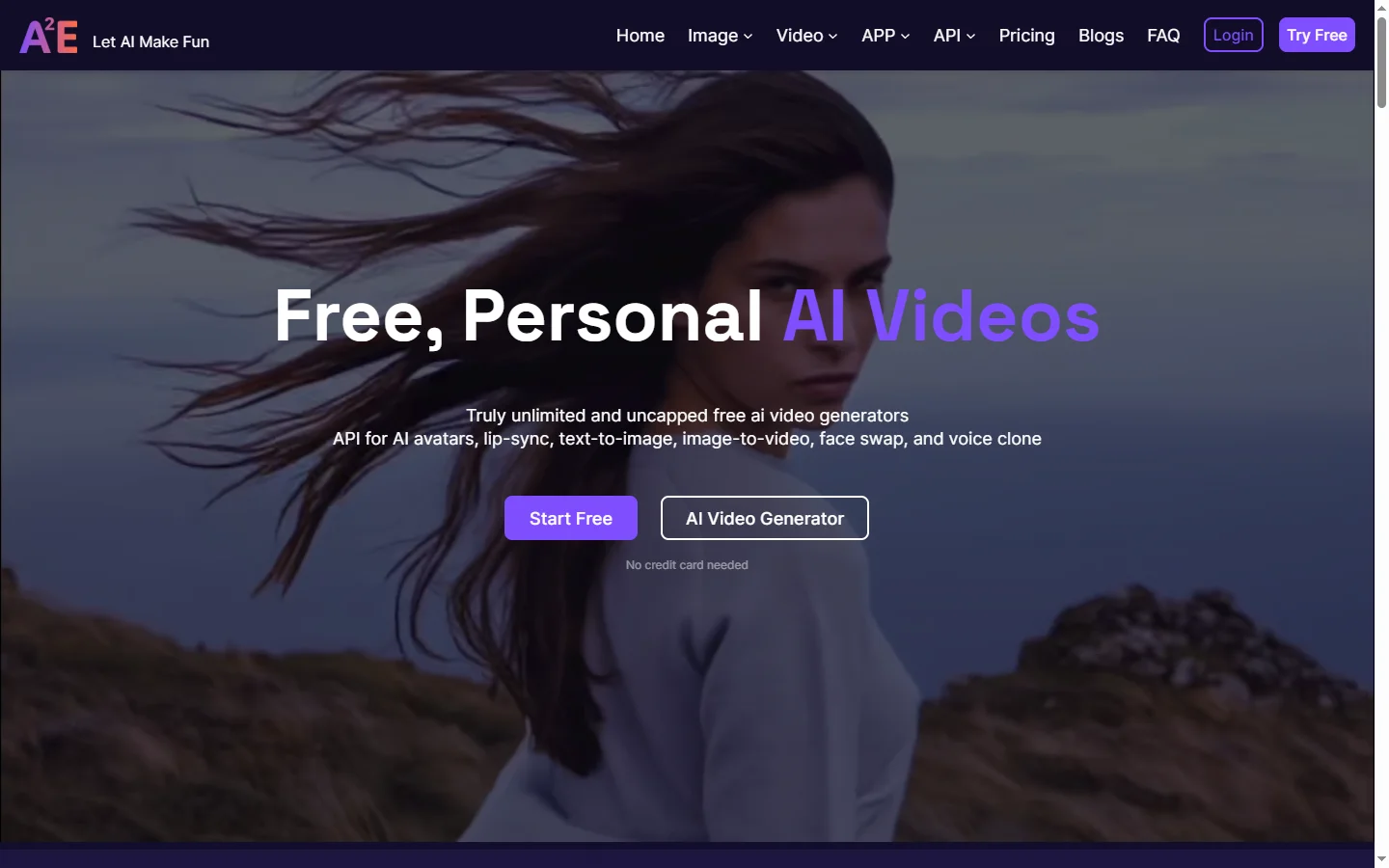
A2E AI productivity platform converts audio and video recordings into transcripts, summaries, and action items with speaker identification.

Abnormal AI
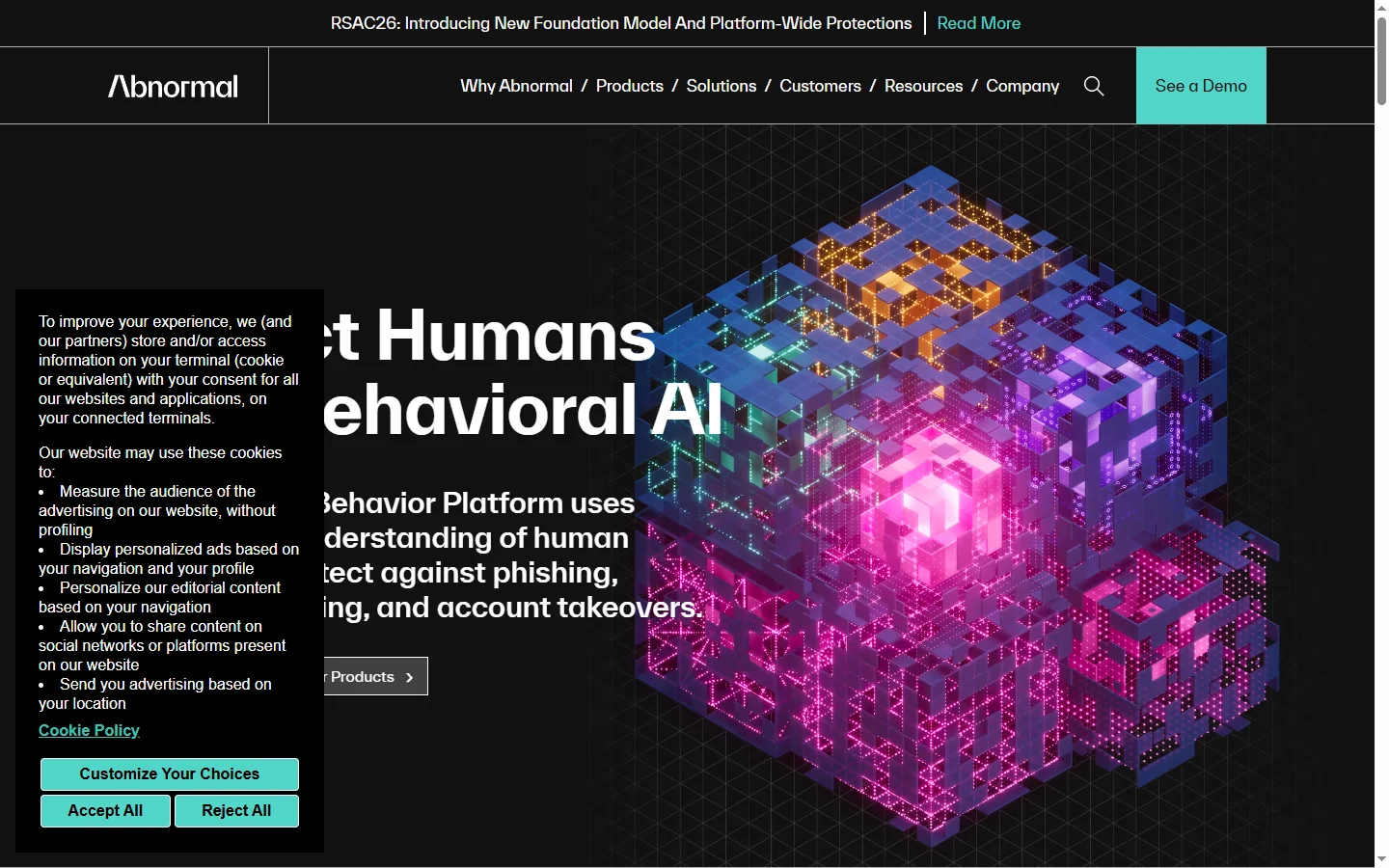
Abnormal AI uses behavioral AI to detect business email compromise, account takeover, and socially engineered phishing that bypasses secure email gateways.

Abridge AI
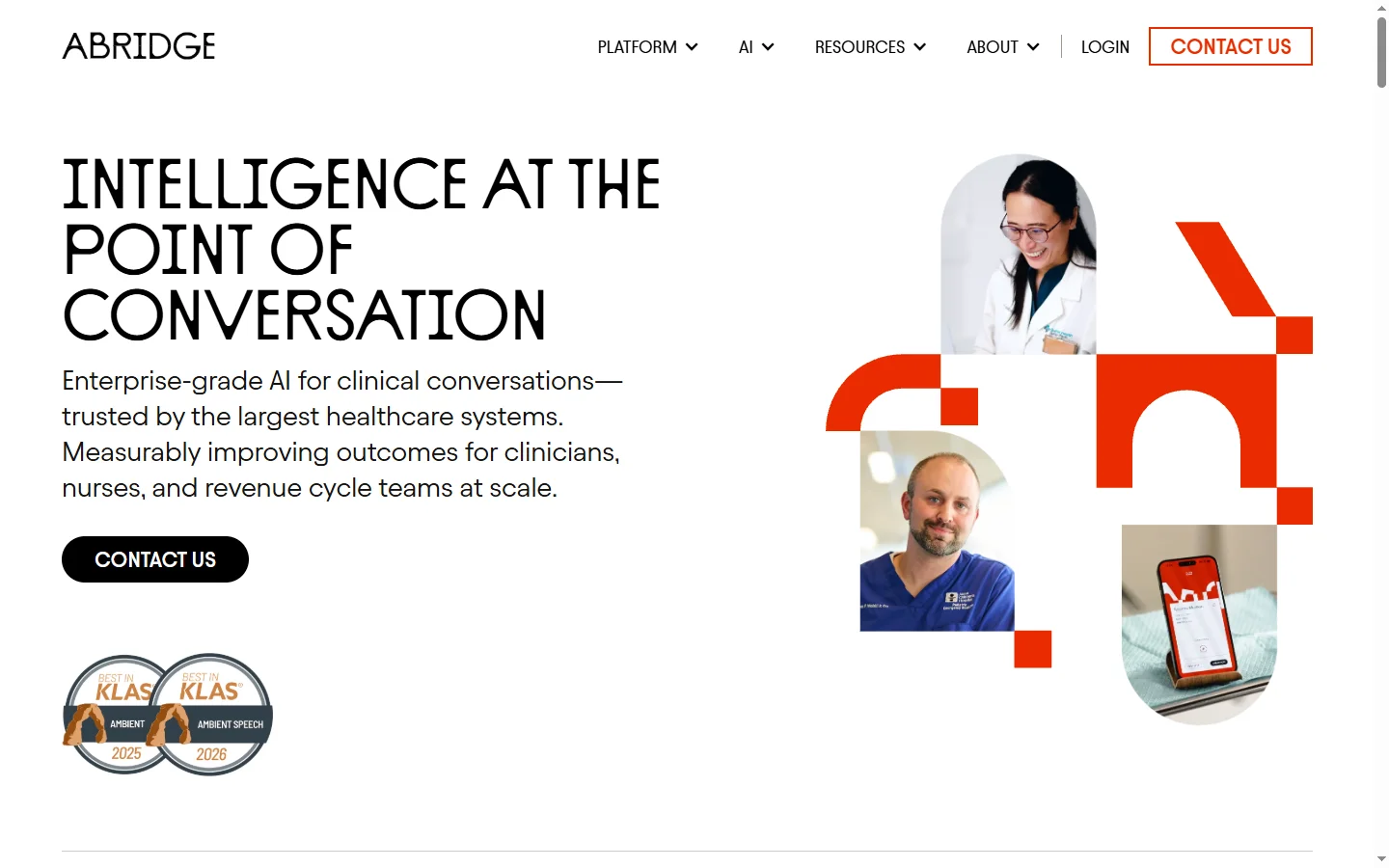
Abridge AI medical documentation platform that records and summarizes clinical conversations into structured physician notes in real time.

Air AI
Air AI conducts autonomous full-length AI phone calls for sales prospecting, appointment setting, and customer service without human agents.