
MakeFilm AI
FreemiumMakeFilm AI is a text-to-video generator that creates short films and video scenes from written prompts, scripts, and storyboards.

📋 About MakeFilm AI
MakeFilm AI is an AI video generation platform that converts written input — prompts, scripts, and structured storyboards — into short video clips with consistent characters, scenes, and narrative flow. The core offering targets content creators, filmmakers, and storytellers who want to produce video content without access to professional production equipment or large crews. Users describe what they want to see in a scene, select visual style parameters, and the platform generates video output that can be exported for further editing or used directly.
The platform is built around a filmmaking-oriented workflow rather than general-purpose video generation. Users can define characters with persistent visual traits and carry them across multiple generated scenes, maintaining consistency across a multi-scene production. Shot type selection, camera movement instructions, and scene transition controls give users a vocabulary for directing the AI output that aligns with how filmmakers think about constructing a sequence rather than simply generating isolated clips.
MakeFilm AI operates on a freemium model, allowing users to generate a limited number of clips at lower resolution before requiring a paid plan for higher quality output and longer generation credits. The target audience includes independent filmmakers, YouTubers, social media content creators, and businesses producing video content who want to extend their production capacity with AI-assisted generation for scenes, B-roll, and short-form content.
⚡ Key Features of MakeFilm AI
Script and Prompt to Video
Makefilm ai converts written scripts, scene descriptions, or natural language prompts directly into video clips, interpreting the text to generate appropriate visuals, lighting, and motion. Script input can be structured with scene headings, action lines, and character directions to give the generation model more specific direction. The platform handles the translation from written description to visual output, reducing the gap between the written creative vision and the generated footage.
Persistent Character Generation
Users define characters with specific visual descriptions — appearance, clothing, and distinguishing features — and makefilm ai maintains those characteristics consistently across multiple generated scenes. This character persistence is what makes multi-scene short film production viable, as inconsistent character appearance across shots is a fundamental problem with general-purpose video generators used for narrative content. Characters can be referenced by name across different scene prompts within the same project.
Shot Type and Camera Direction
Makefilm ai supports shot type specifications — wide shot, close-up, medium shot, over-the-shoulder — and camera movement instructions including pan, tilt, dolly, and handheld simulation. This gives filmmaking-oriented users a level of directorial control over the generated output that aligns with how scenes are actually planned in production. Combining shot type with scene content allows users to construct sequences with visual variety rather than static uniform framing.
Visual Style Selection
The platform offers a range of visual style presets — cinematic, animated, documentary, stylized — that apply a consistent aesthetic treatment across generated scenes. Style selection helps maintain visual coherence across a multi-scene production and allows users to define the overall look of a project before generating individual scenes. Custom style descriptions can be entered for more specific aesthetic direction beyond the preset options.
Storyboard to Video
Users can upload or build storyboards within makefilm ai and use the panel structure to guide per-scene generation, producing video clips that correspond to each storyboard panel. This workflow bridges traditional pre-production planning with AI generation, allowing filmmakers who work from storyboards to maintain their existing planning approach while using AI to generate the footage.
Scene Export and Editing Integration
Generated video clips are exported in standard video formats compatible with major editing software including Premiere Pro, DaVinci Resolve, and Final Cut Pro. Exporting individual scenes rather than a fully assembled video gives post-production editors the flexibility to arrange, trim, and color grade the AI-generated material within their existing editing environment alongside conventionally shot footage.
🎯 Use Cases for MakeFilm AI
⚖️ MakeFilm AI Pros & Cons
Advantages
- ✓Filmmaking-oriented workflow with shot type and camera direction controls beyond generic video generators
- ✓Persistent character feature enables multi-scene narrative video production with visual consistency
- ✓Exports in standard formats compatible with professional editing software
- ✓Freemium entry point allows testing the generation quality before committing to a paid plan
Drawbacks
- ✗Generation quality for complex scenes or photorealistic characters remains below live-action production standards
- ✗Free tier generation limits are too low for any substantive production use
- ✗Longer video outputs and high resolution require paid plan credits that can be consumed quickly
- ✗Character persistence is imperfect — exact visual consistency across scenes is an ongoing technical challenge across all AI video generators
📖 How to Use MakeFilm AI
Create a free account at makefilm.ai and start a new project.
Define any recurring characters with visual descriptions you want to maintain across scenes.
Write a scene description or script segment for your first clip, including shot type and any camera direction.
Select a visual style that matches the overall aesthetic you want for the project.
Generate the clip and review the output — adjust the prompt if the result does not match your intent.
Export completed clips to your editing software to assemble, trim, and finish the sequence.
❓ MakeFilm AI FAQ
Makefilm ai generates clips of varying lengths depending on the plan tier and the specific generation type. Most AI video generators currently produce clips in the range of 4-30 seconds per generation. Check makefilm.ai for current clip length specifications and plan limits.
Makefilm ai includes persistent character generation designed to maintain visual consistency across multiple scenes. While significant progress has been made, exact character consistency across all generated clips is a known challenge in AI video generation and results may vary based on character complexity and scene variation.
Makefilm ai exports generated clips in standard video formats compatible with professional editing software. Check makefilm.ai for specific format options and resolution tiers available on each plan.
Commercial usage rights vary by plan tier. Review the terms of service on makefilm.ai for specific commercial licensing details before using generated content in paid projects or advertising.
Makefilm ai differentiates through its filmmaking-oriented workflow including shot direction controls and character persistence, which are specifically designed for narrative video production. Sora and Runway offer broader generation capabilities with different workflow emphases. The best choice depends on whether you prioritize narrative consistency or raw generation quality.
Related to MakeFilm AI


Featured on WhatIf.ai
Add this badge to your website to show you're listed on WhatIf AI
Alternatives to MakeFilm AI

Arcads AI
Arcads AI generates UGC-style video ads using AI actors from scripts, enabling performance marketers to produce ad creative variations at scale.
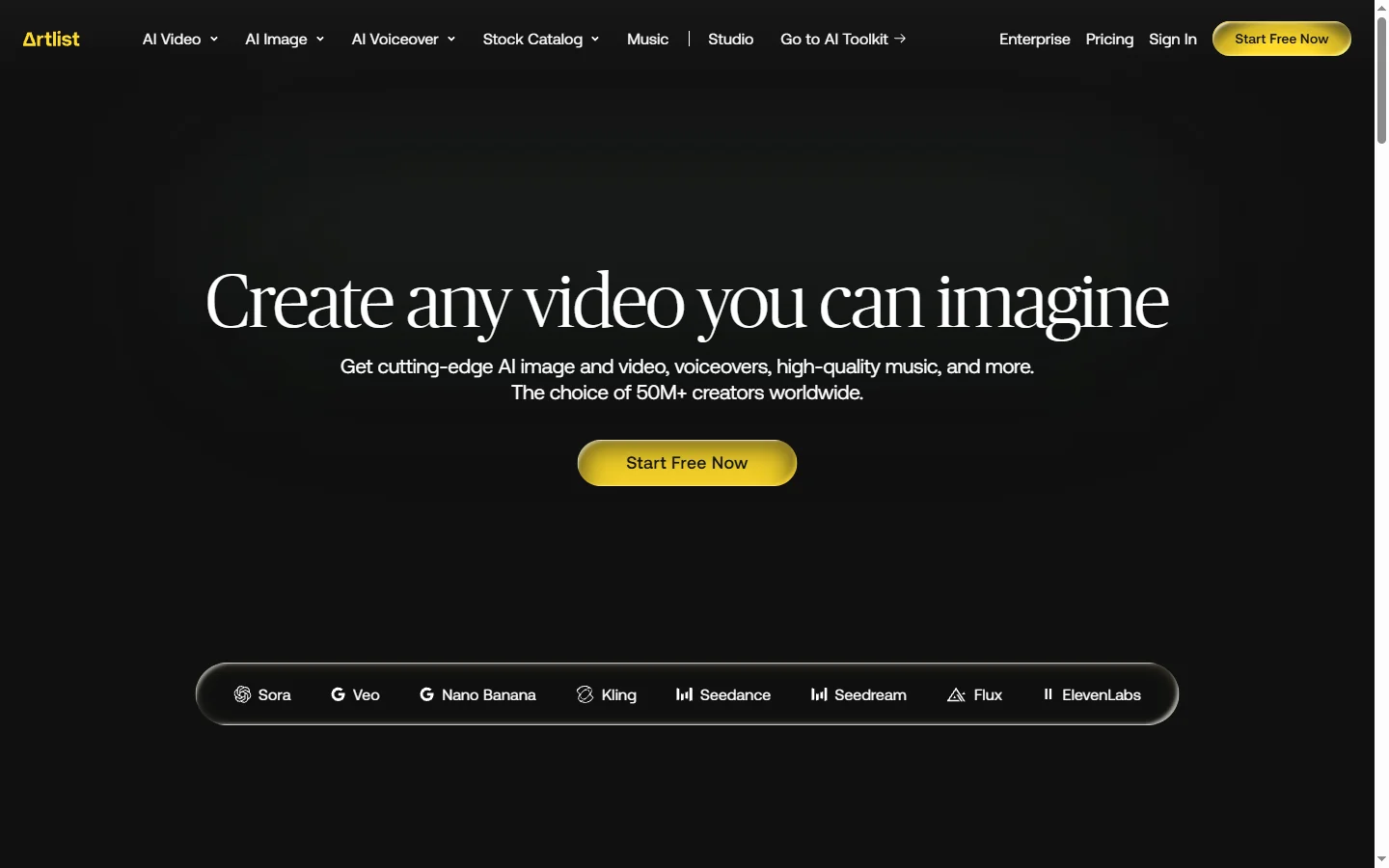

Artlist AI
Artlist AI music generation and royalty-free licensing platform for video creators, filmmakers, and content producers needing commercially cleared tracks.
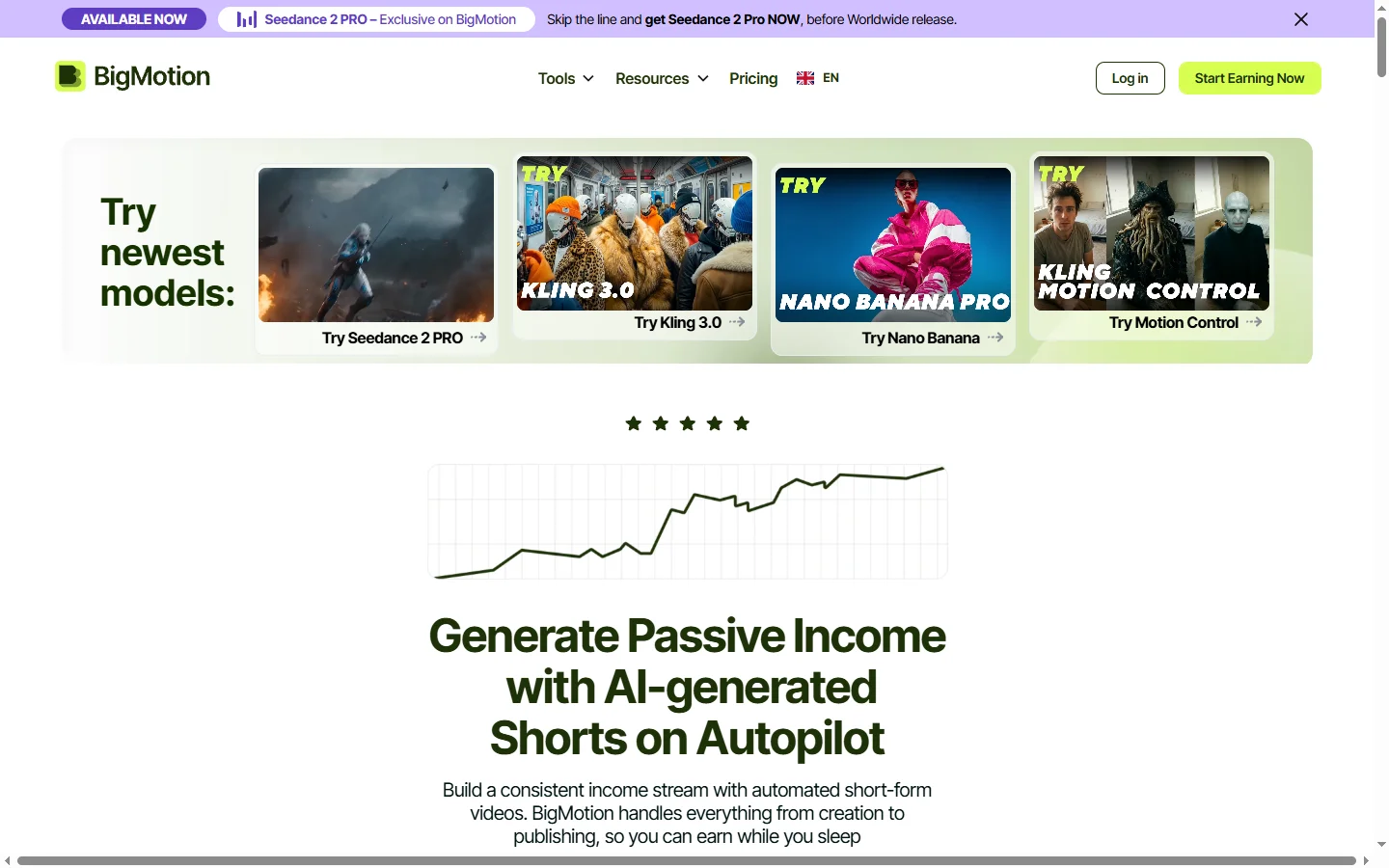

BigMotion AI
BigMotion AI video and animation generation platform that creates motion content from text prompts and image inputs without animation software skills.

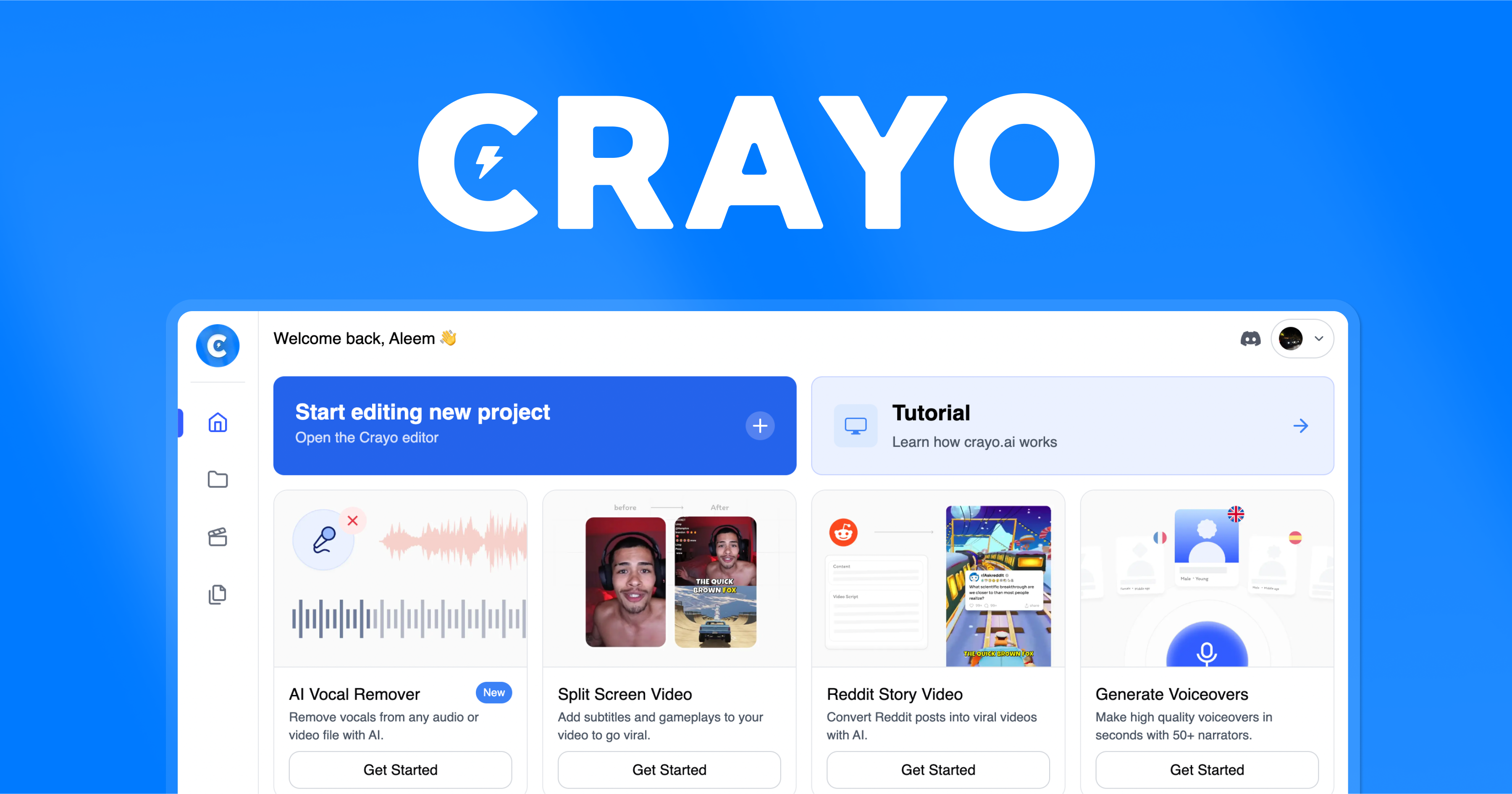
Crayo AI
Crayo AI is an AI short clips generator that automates the creation of viral short-form video content for TikTok, YouTube Shorts, and Instagram Reels.