
Spacely AI
FreemiumSpacely AI generates AI interior design concepts from room photos, letting users visualize redesigns across different styles without hiring a designer.
📋 About Spacely AI
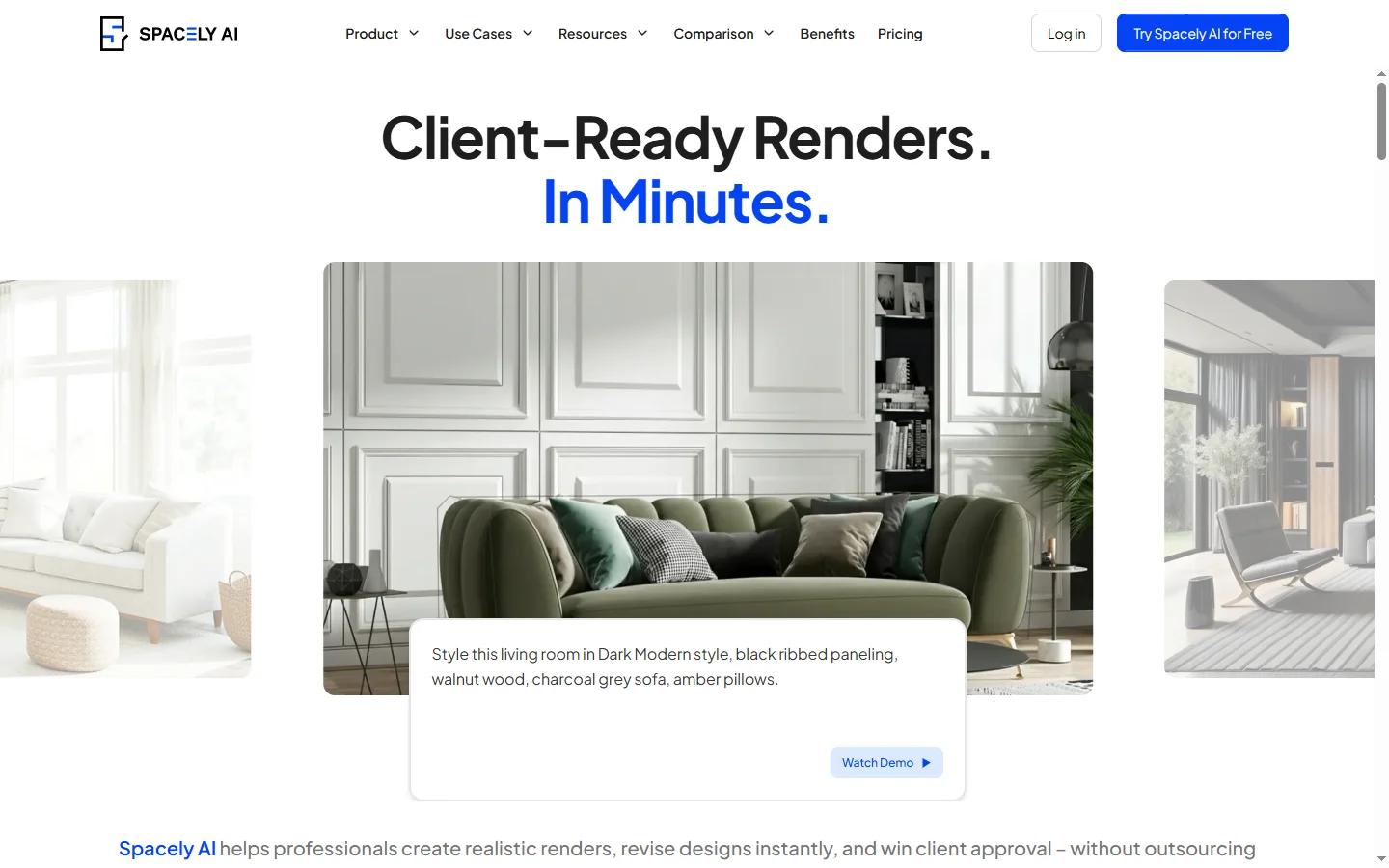
Spacely AI is an AI interior design tool that transforms photos of existing rooms into redesigned visualizations across a wide range of interior styles, helping homeowners, renters, and design professionals explore how a space could look without committing to physical changes or professional design fees. Users upload a photo of any room and select a design style — Scandinavian, mid-century modern, industrial, bohemian, and dozens of others — and Spacely AI generates a photorealistic rendering of the same room reimagined in that style, preserving the room's architectural features while replacing furniture, decor, color schemes, and materials.
The platform targets homeowners considering renovations, renters who want to see redesign possibilities within their constraints, real estate professionals who want to show prospective buyers how a property could look, and interior design professionals who want to produce concept visuals quickly without manual rendering. The speed of generating design concepts — seconds per render rather than hours of manual 3D modeling — makes it practical to explore many stylistic directions before deciding on an approach, which is normally cost-prohibitive with traditional design visualization methods.
Spacel AI supports room-by-room design generation covering living rooms, bedrooms, kitchens, bathrooms, home offices, and outdoor spaces. Advanced features include the ability to preserve specific furniture or objects in the redesign, allowing users to see how their existing pieces fit into a new aesthetic without replacing everything. Virtual staging for real estate is a key commercial use case, generating furnished room renderings from empty property photos without the cost and logistics of physical staging. A free tier with limited renders is available, with paid plans offering higher resolution outputs, unlimited renders, and batch processing.
⚡ Key Features of Spacely AI
AI Room Redesign from Photos
Upload a photo of any room and Spacely AI generates a photorealistic redesign visualization in a selected interior style within seconds, preserving the room's architectural structure — walls, windows, doors, ceiling height — while transforming furniture, decor, color palette, lighting, and materials. The spacely ai rendering engine produces results that are realistic enough to communicate a genuine design direction rather than a cartoon-style illustration, making them useful for actual design decision-making. Multiple style renders can be generated from the same room photo to compare aesthetic directions without physical changes. Output quality improves with higher-resolution input photos and clear room visibility.
Extensive Style Library
Choose from dozens of interior design styles including Scandinavian, mid-century modern, industrial, bohemian, minimalist, coastal, traditional, farmhouse, contemporary, and more, each producing a stylistically coherent redesign rather than generic furniture substitution. The spacely ai style library is curated to reflect coherent aesthetic systems — a Scandinavian render applies the full visual language of that style including materiality, color temperature, and furniture form rather than just swapping upholstery color. New styles are added to the library based on current design trends. Users can also specify custom style descriptions for more unique or hybrid aesthetic directions.
Furniture Preservation Mode
Specify existing furniture or objects in the room that you want to keep in the redesign, and Spacely AI generates a new design concept that integrates those specific pieces into the new aesthetic rather than replacing everything. This is particularly useful for users who have invested in specific furniture they are keeping and want to see how to build a new look around existing pieces. The furniture preservation feature works by identifying and masking selected objects during the rendering process. Preserved items are styled to fit the new design context as closely as the style allows.
Virtual Staging for Real Estate
Transform empty property photos into virtually staged room renders that show prospective buyers how a space could look furnished, without the cost and logistics of physical staging. The spacely ai virtual staging capability covers all residential room types and produces multiple furnished style options from a single empty room photo. Real estate agents and property developers use virtual staging to present listings more effectively online, where furnished room photos consistently outperform empty room photos in engagement metrics. Output resolution is sufficient for standard real estate listing platforms and marketing materials.
Multi-Room Project Management
Manage redesign projects across multiple rooms in a single workspace, maintaining separate photo sets and render history for each room in a home or property without mixing project files. The spacely ai project structure supports homeowners working through a full property redesign room by room and real estate professionals managing virtual staging across multiple listings simultaneously. Room-level organization makes it easy to compare design directions per room and share selected renders with clients or contractors. Project files persist in the user account so previous renders remain accessible for reference.
High-Resolution Output and Export
Download generated room redesign renders in high resolution suitable for printing, presentation decks, or sharing with contractors and fabricators to communicate design intent. The spacely ai output includes the full rendered image without watermarks on paid plans, making renders usable in professional contexts including client presentations, listing photos, and renovation briefing documents. Batch export is available on higher plan tiers for processing multiple rooms or style variations simultaneously. Render metadata including style name and generation settings is preserved in the file for reference.
🎯 Use Cases for Spacely AI
⚖️ Spacely AI Pros & Cons
Advantages
- ✓Generates photorealistic room redesigns in seconds from a single photo without 3D modeling skills
- ✓Wide style library produces coherent aesthetic results rather than generic substitutions
- ✓Virtual staging capability is commercially viable for real estate listing use
- ✓Free tier allows evaluation with actual room photos before subscribing
Drawbacks
- ✗Output quality varies depending on input photo quality, lighting conditions, and room complexity
- ✗Furniture preservation mode accuracy can be inconsistent with small or partially obscured objects
- ✗Free tier render limit is quickly reached for users who want to compare many style options
- ✗Generated renders may require communication with contractors to clarify material and finish specifics not fully captured in the image
📖 How to Use Spacely AI
Sign up for a free Spacely AI account at spacely.ai — no credit card is required for the free tier.
Upload a clear photo of the room you want to redesign, ensuring the full room layout is visible.
Select a design style from the library or enter a custom style description.
If you want to preserve existing furniture, use the furniture preservation option to mark items to keep.
Generate the redesign render and review the result — generate additional renders in different styles to compare directions.
Download your preferred render in high resolution for sharing with designers, contractors, or family members.
❓ Spacely AI FAQ
Spacely AI is an AI interior design tool that generates photorealistic room redesign visualizations from uploaded photos, allowing users to see how a space would look in different design styles without physical changes or professional design services.
Spacely AI offers a free tier with a limited number of renders per month. Paid plans provide unlimited renders, higher resolution output, and batch processing capabilities.
Upload a photo of an empty room and select a furnished style. Spacely AI generates a photorealistic render showing the room furnished in that style, producing staging visuals suitable for real estate listings without physical furniture placement.
Spacely AI competes with tools like RoomGPT and Interior AI in the AI room redesign category. Key differentiators include the furniture preservation mode that keeps existing pieces in redesigns, the breadth of the style library, and the virtual staging workflow optimized for real estate use cases.
Spacely AI supports redesign generation for living rooms, bedrooms, kitchens, bathrooms, home offices, dining rooms, and outdoor spaces. Both residential and commercial spaces can be processed.
Related to Spacely AI

Dzine AI
Dzine AI graphic design platform that combines AI image generation with templates and design tools for ready-to-use marketing visuals.

Kittl AI
Kittl AI is a browser-based design platform with AI image generation, premium templates, and vector tools aimed at merch, logos, and print-on-demand.
Featured on WhatIf.ai
Add this badge to your website to show you're listed on WhatIf AI
Alternatives to Spacely AI


Aragon AI
Aragon AI professional headshot generator that creates studio-quality portrait photos from uploaded selfies using a personalized AI model.


ArtGuru AI
ArtGuru AI generates images from text prompts in a wide range of artistic styles, with additional tools for face enhancement, background removal, and image upscaling.


Dezgo AI
Dezgo AI is a free text-to-image generator powered by Stable Diffusion models, offering multiple model options and image editing tools in the browser.

Dzine AI
Dzine AI graphic design platform that combines AI image generation with templates and design tools for ready-to-use marketing visuals.