
Spot AI
Paid ✓ VerifiedSpot AI applies AI to business video surveillance, making camera footage searchable and automatically flagging security and operational events.
📋 About Spot AI
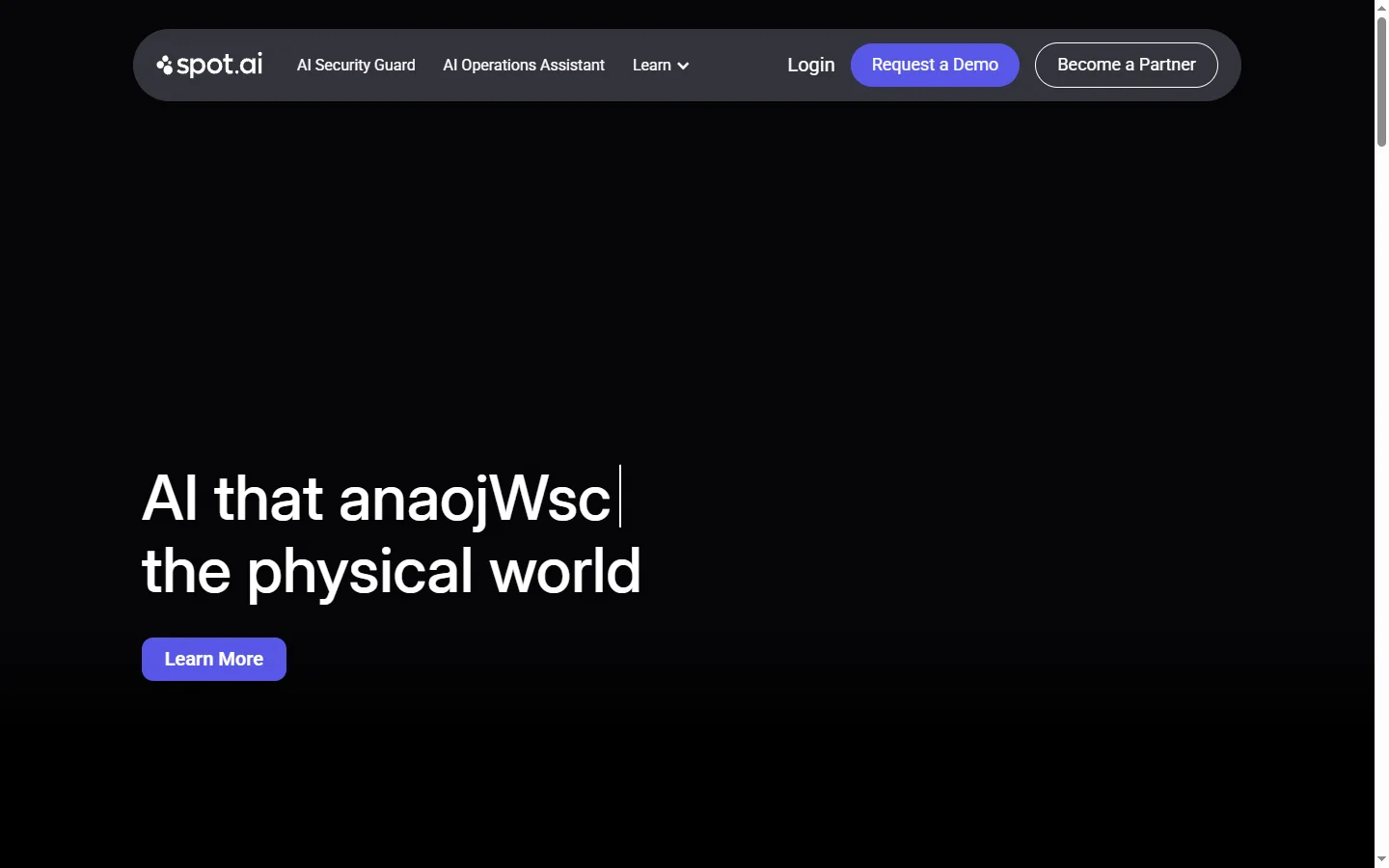
Spot AI is a spot ai intelligent video surveillance and analytics platform that transforms standard business camera footage into a searchable, AI-analyzed system for security and operations teams. Rather than requiring someone to scrub through hours of recorded video to find a specific event, Spot AI indexes footage and makes it queryable by natural language description, object, or time range. The platform works with existing camera hardware in most cases, lowering the infrastructure cost of upgrading to AI-powered video analysis.
Beyond search, Spot AI applies automated monitoring to flag specific events as they occur — unusual activity, unauthorized access, occupancy thresholds, or equipment anomalies — and delivers alerts to the appropriate team. Operations managers use these alerts to catch incidents faster than periodic manual review would allow. Video clips related to flagged events are saved and tagged automatically, creating an organized incident record without administrative effort.
Spot AI serves retail, logistics, manufacturing, and enterprise facilities management customers who rely on physical security and operational oversight as part of their business. The platform sits between consumer-grade NVR systems and expensive enterprise video management installations, offering AI capabilities without requiring a full infrastructure replacement. Deployment is managed through Spot AI's hardware and cloud service rather than requiring on-premises server infrastructure from the customer.
⚡ Key Features of Spot AI
Natural Language Video Search
Allows security and operations staff to search camera footage using plain language descriptions such as 'person in red jacket near loading dock at 3pm' rather than manually scrubbing through timelines. The search indexes visual content from all connected cameras and returns relevant clips with timestamps. This reduces incident investigation time from hours to minutes in most cases. Search works across the full retained footage archive rather than only recent recordings.
Real-Time Event Alerts
Monitors camera feeds continuously and triggers alerts when predefined conditions are detected, including unauthorized area access, crowd formation, or equipment state changes. Alerts are delivered via the platform dashboard and can be forwarded to mobile devices or integrated communication tools. Alert sensitivity and categories are configurable per camera zone. This replaces the need for human monitoring staff to watch feeds continuously.
Existing Camera Compatibility
Spot AI integrates with most standard IP camera hardware already installed in a facility, avoiding the full cost of a camera replacement project. A Spot AI appliance installed on-site connects existing cameras to the AI processing and cloud infrastructure. This makes the upgrade path accessible for organizations that have already invested in camera hardware. Compatibility is verified during the onboarding process before deployment.
Automated Incident Clipping
Automatically saves and tags video clips related to flagged events so incident records are organized without manual effort from security staff. Clips include the relevant footage window around the detected event with camera location and timestamp metadata attached. Tagged incident libraries are searchable and can be shared with relevant stakeholders. This eliminates the manual step of downloading and labeling footage after an event.
Multi-Site Management
Manages cameras and footage across multiple physical locations from a single platform interface, useful for retail chains, logistics networks, and distributed facilities. Site-level and camera-level views are accessible from the same dashboard. Alerts and searches can be scoped to a single site or run across the full camera network simultaneously. This gives operations managers visibility across geographically distributed facilities without separate logins.
Operational Analytics
Generates reports on occupancy, traffic patterns, dwell time, and other operational metrics derived from camera footage over time. These analytics are used by retail and logistics teams for layout optimization, staffing decisions, and process improvement beyond pure security applications. Reports are available on a scheduled or on-demand basis. Operational analytics convert the existing surveillance investment into a source of business intelligence.
🎯 Use Cases for Spot AI
⚖️ Spot AI Pros & Cons
Advantages
- ✓Natural language video search dramatically reduces time spent on incident investigation
- ✓Works with existing IP camera infrastructure avoiding full hardware replacement costs
- ✓Multi-site management is practical for organizations with distributed physical locations
- ✓Automated incident clipping removes manual footage download and labeling tasks
- ✓Operational analytics provide business value beyond security monitoring alone
Drawbacks
- ✗Paid-only subscription model with hardware component makes total cost significant for small facilities
- ✗AI detection accuracy varies with camera placement, lighting conditions, and video resolution
- ✗Cloud-dependent architecture requires reliable internet connectivity at each site
- ✗Privacy and compliance considerations around AI video analysis of employees and customers require legal review in some jurisdictions
📖 How to Use Spot AI
Contact Spot AI through spot.ai to discuss your facility configuration and request a deployment assessment.
Install the Spot AI appliance at your site to connect existing cameras to the AI processing network.
Configure camera zones, alert rules, and occupancy thresholds for each area of the facility.
Use the platform dashboard to monitor live feeds and receive real-time alerts for configured event types.
Search historical footage by natural language description, time range, or camera zone to investigate incidents.
Export incident clips and analytics reports for security documentation, audits, or operational planning.
❓ Spot AI FAQ
Spot AI is used to add AI-powered search, alerting, and analytics to business video surveillance systems. It allows security and operations teams to search footage by description, receive automated event alerts, and generate operational analytics from camera data.
Yes, Spot AI is designed to integrate with most standard IP camera systems already installed in a facility through an on-site appliance. This avoids the need to replace existing camera hardware as part of deployment. Compatibility is confirmed during the onboarding process.
Spot AI indexes the visual content of camera footage so it can be queried by natural language descriptions, object types, time ranges, and camera zones. Users type a description of what they are looking for and receive relevant clips with timestamps rather than scrubbing through timelines manually.
Spot AI is primarily designed for commercial and enterprise facilities with established camera infrastructure. The hardware plus subscription cost structure is most cost-effective for organizations with multiple cameras across one or more sites. Very small single-location businesses may find consumer-grade smart camera systems more cost-appropriate.
Related to Spot AI


Featured on WhatIf.ai
Add this badge to your website to show you're listed on WhatIf AI
Alternatives to Spot AI


A2E AI
A2E AI productivity platform converts audio and video recordings into transcripts, summaries, and action items with speaker identification.


Abnormal AI
Abnormal AI uses behavioral AI to detect business email compromise, account takeover, and socially engineered phishing that bypasses secure email gateways.


Abridge AI
Abridge AI medical documentation platform that records and summarizes clinical conversations into structured physician notes in real time.

Air AI
Air AI conducts autonomous full-length AI phone calls for sales prospecting, appointment setting, and customer service without human agents.