
Cantina AI
FreemiumCantina AI is a freemium platform for building and deploying full-stack web applications using AI-assisted development with live preview and one-click deployment.
Screenshot coming soon
📋 About Cantina AI
Cantina AI is an AI-assisted application development platform that lets users build, preview, and deploy full-stack web applications through a natural language interface and an integrated development environment. The platform targets developers and technically capable non-developers who want to move from idea to deployed application without managing the infrastructure, configuration, and build tooling that traditional web development requires. Users describe what they want to build, Cantina generates the application code, and a live preview updates as changes are made — either through follow-up natural language instructions or direct code editing.
The generated applications are full-stack rather than front-end only, meaning Cantina handles server-side logic, database connections, authentication, and API integrations in addition to the visible interface layer. This distinguishes it from tools that generate static sites or simple single-page apps and makes it applicable to more complex use cases like custom internal tools, SaaS prototypes, and data-connected web applications. The code generation outputs real, editable code rather than a black-box configuration that cannot be modified.
Cantina AI offers a freemium pricing structure with free usage for basic projects and paid plans that unlock higher generation limits, custom domains, private deployments, and team collaboration features. The platform is positioned between fully code-based development environments and no-code drag-and-drop builders, serving users who are comfortable with code concepts and want AI assistance to accelerate production without giving up control of the underlying implementation.
⚡ Key Features of Cantina AI
Natural Language Application Generation
Cantina AI generates full-stack web applications from natural language descriptions, producing functional front-end interfaces and back-end logic from a plain-language prompt that describes what the application should do rather than how to build it. Users can iterate on the generated application by sending follow-up instructions in the same natural language format, adding features, changing layouts, or modifying behavior without writing code directly. The generation process produces real code — not a proprietary configuration format — so the output is inspectable, editable, and portable. Initial generation for common application types like dashboards, forms, and CRUD apps typically produces a working prototype in seconds.
Full-Stack Code Generation
Cantina AI generates both front-end and back-end application components, including server-side API routes, database schema and queries, authentication flows, and third-party API integrations alongside the visible user interface. This full-stack generation capability distinguishes it from tools that only produce static front-ends or HTML mockups without functioning server logic. Generated back-end code handles data persistence, user session management, and external service connections that are required for production-capable applications rather than just interactive prototypes.
Live Preview Environment
Every code change — whether generated by AI or edited manually — immediately updates a live preview of the running application, so users can see exactly how changes affect the actual application behavior rather than inferring from code review alone. The live preview runs the full application stack rather than a static rendering, meaning database queries, API calls, and authentication flows execute in the preview environment. This instant feedback loop significantly reduces the debugging cycle for iterative development. The preview environment is accessible via a temporary URL that can be shared for feedback collection before deployment.
Integrated Code Editor
Cantina AI includes a full code editor integrated into the platform interface, allowing developers to inspect and directly edit all generated code without switching to an external editor or local development environment. The editor supports syntax highlighting, file tree navigation, and the ability to switch between AI-generated changes and manual edits in the same session. Direct code editing is important for developers who want to customize application behavior beyond what the natural language interface can describe precisely. Changes made in the editor are immediately reflected in the live preview.
One-Click Deployment
Applications built on Cantina AI can be deployed to production hosting with a single action from within the platform, without requiring configuration of external hosting services, DNS settings, or deployment pipelines. Deployed applications are available at a Cantina-provided subdomain by default, with custom domain configuration available on paid plans. The deployment process handles server provisioning, build execution, and certificate management automatically. Redeployment when application code is updated follows the same one-click workflow without requiring manual server management.
Team Collaboration Features
Paid plans include team collaboration features that allow multiple users to work on the same application project, with shared access to the codebase, preview environment, and deployment configuration. Collaboration is relevant for small development teams building internal tools or product prototypes who want to use AI-assisted development without each team member working in an isolated environment. Access control settings allow project owners to define which team members can edit code, deploy applications, or only view project content. Collaboration features integrate with the existing project interface rather than requiring a separate workspace setup.
🎯 Use Cases for Cantina AI
⚖️ Cantina AI Pros & Cons
Advantages
- ✓Full-stack generation covers back-end logic, database, and authentication in addition to the front-end interface
- ✓Generated code is real, editable code rather than a proprietary format that locks output to the platform
- ✓Live preview shows the running application updating in real time as changes are made
- ✓One-click deployment eliminates hosting configuration overhead for getting applications live
- ✓Free tier allows basic project development without a credit card
Drawbacks
- ✗Generation quality for complex, highly custom application logic may require significant manual code editing to meet production standards
- ✗Free tier generation limits restrict the number of AI-assisted changes before requiring a paid plan
- ✗Database and infrastructure are hosted on Cantina's platform — migrating to self-hosted infrastructure requires code export and independent deployment setup
- ✗Application architecture decisions made by the AI generator may not match a development team's existing conventions or preferred technology choices
📖 How to Use Cantina AI
Create a free account at cantina.ai — no credit card required for the free tier.
Describe the application you want to build in plain language in the generation prompt field. Be specific about features, data types, and user flows for better initial output.
Review the generated application in the live preview and examine the code in the integrated editor to understand what was produced.
Send follow-up natural language instructions to add features, change the design, or modify behavior — or edit the code directly in the editor for precise changes.
Share the preview URL for feedback collection before finalizing the application.
Deploy the application with one click from within the platform. Configure a custom domain on a paid plan if you need the application available at your own URL.
❓ Cantina AI FAQ
Cantina AI is an AI-assisted web application development platform that generates full-stack applications from natural language descriptions, provides a live preview of the running application, and deploys to production hosting with a single action. It targets developers and technically capable non-developers who want to build real applications faster without managing infrastructure.
Cantina AI offers a freemium model with a free tier for basic project development. Paid plans unlock higher AI generation limits, custom domain deployment, private projects, and team collaboration features. The free tier is functional for individual projects and prototyping without a credit card requirement.
Yes. Cantina AI generates full-stack applications including server-side API routes, database schema and queries, authentication flows, and third-party API integrations in addition to the front-end interface. This distinguishes it from tools that only produce front-end code or static HTML.
Yes. Cantina AI generates standard code that can be exported and deployed outside the platform. The generated code is not proprietary or locked to Cantina's infrastructure, so users who want to migrate to self-hosted deployment can do so by exporting the codebase and setting up their own hosting environment.
Cantina AI's main differentiators are full-stack generation covering back-end and database logic, a live preview running the complete application stack, and editable code output. Compared to no-code builders, it provides more control over implementation details. Compared to AI coding assistants in IDE environments, it handles deployment and infrastructure automatically.
Related to Cantina AI

Base44 AI
Base44 AI is an AI app builder and website builder that generates full-stack web applications from natural language descriptions with backend, database, and UI included.

WebSim AI
WebSim AI generates functional web pages and interactive prototypes from natural language descriptions, rendering immediately in the browser.
Featured on WhatIf.ai
Add this badge to your website to show you're listed on WhatIf AI
Alternatives to Cantina AI

Base44 AI
Base44 AI is an AI app builder and website builder that generates full-stack web applications from natural language descriptions with backend, database, and UI included.
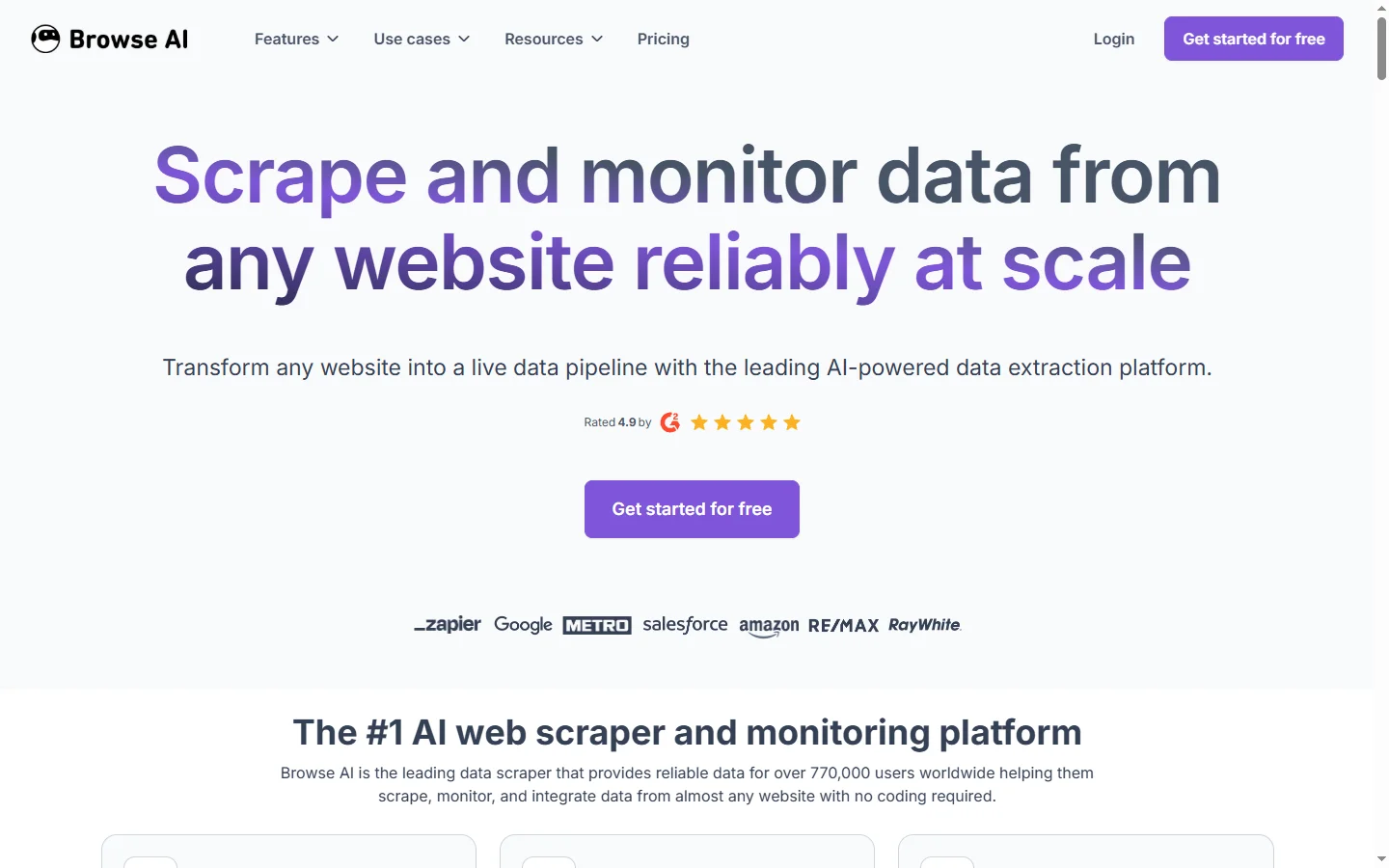

Browse AI
Browse AI is a no-code web scraping and monitoring tool that extracts structured data from any website and tracks changes over time without writing code.
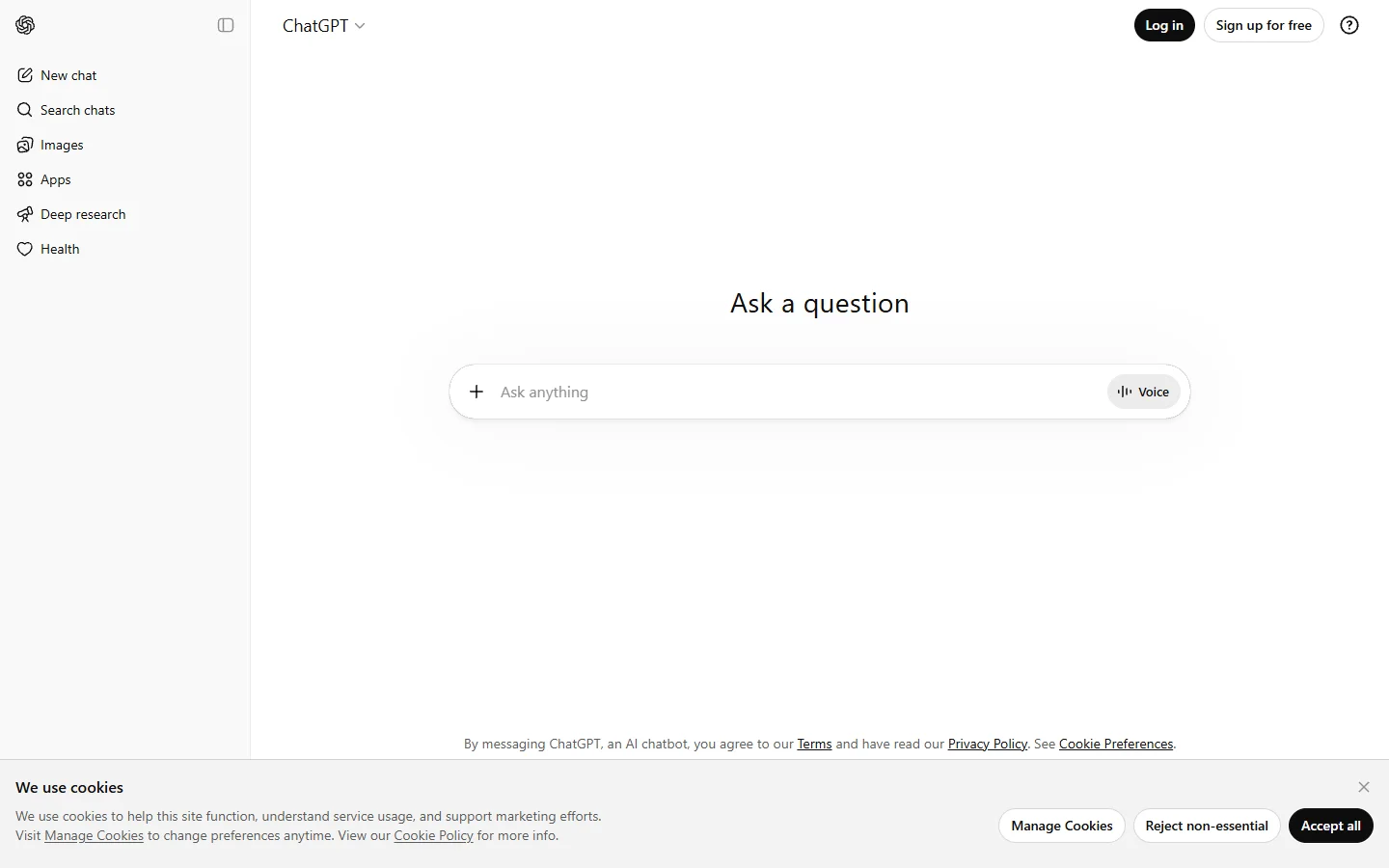

ChatGPT
ChatGPT AI assistant by OpenAI for writing, coding, research, image analysis, and everyday problem-solving.

Claude
Claude AI assistant by Anthropic with a 200K context window, strong reasoning, and safety-focused design for writing, coding, and analysis.