Pinokio AI
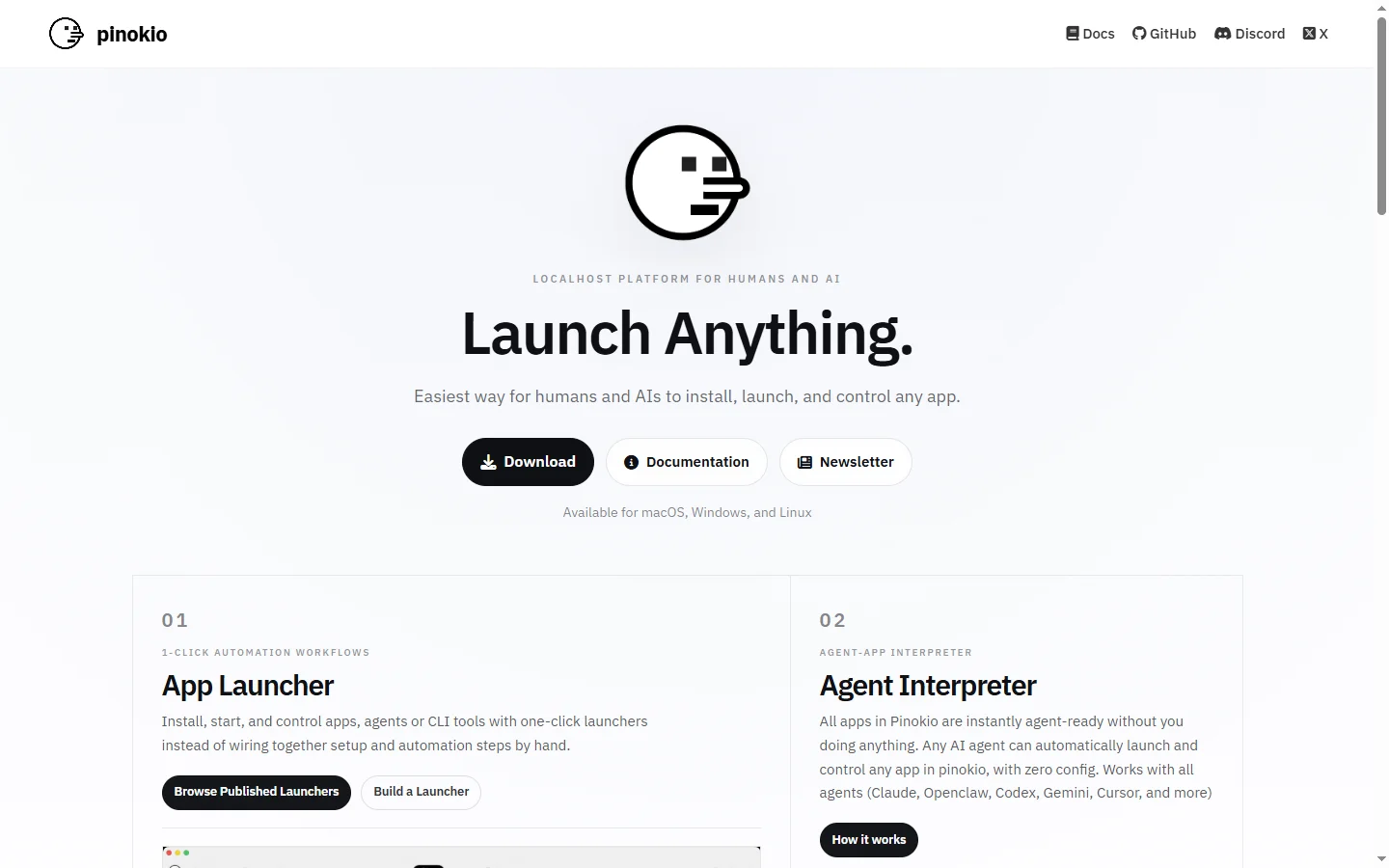
FreePinokio AI is a free desktop app that installs and runs open-source AI tools locally with one click, without requiring terminal commands or dependency management.
📋 About Pinokio AI
Pinokio AI is a pinokio ai desktop application that functions as a one-click installer and runtime environment for open-source AI models and tools, allowing users to run AI applications locally on their own hardware without terminal commands, dependency management, or technical setup. The platform presents a catalog of popular open-source AI tools — including image generators, language models, audio tools, and creative applications — as installable apps that launch with a single click and run entirely on the user's machine without sending data to external servers.
Pinokio AI is designed to bridge the gap between the open-source AI community, which frequently releases powerful tools that require technical expertise to install and operate, and a broader audience of users who want to run these tools locally without learning command-line interfaces or managing Python environments. Each tool in the Pinokio catalog is packaged with its dependencies so users do not need to manually install libraries, configure virtual environments, or troubleshoot version conflicts. The application handles environment isolation for each installed tool automatically.
The platform is entirely free and open source, distributed under a permissive license. Because all processing happens locally on the user's hardware, there are no API costs, usage limits, or data privacy concerns associated with cloud inference. The tradeoff is that performance depends entirely on the user's hardware, and tools requiring GPU acceleration — such as image generators or local language models — will run slowly or not at all on machines without compatible graphics hardware. Pinokio AI supports Windows, macOS, and Linux.
⚡ Key Features of Pinokio AI
Pinokio AI One-Click App Installation
Pinokio AI packages open-source AI tools with all required dependencies into installable applications that deploy with a single click from the platform's catalog, eliminating the need to use the terminal, install Python packages manually, or resolve library conflicts. Installation progress is shown in a UI rather than a command-line output stream, making the process accessible to users without technical backgrounds. Each application runs in its own isolated environment so installations do not interfere with each other. New apps from the open-source community can be added to Pinokio as they are released.
Local AI Model Execution
All AI processing in Pinokio AI runs on the user's own hardware — CPU or GPU — without sending data to external servers, eliminating API costs, usage limits, and the privacy concerns associated with cloud-based AI inference. Users with capable hardware can run large image generation models, local language models, and audio processing tools at no ongoing cost beyond electricity. Local execution speed depends entirely on the user's GPU — tools requiring CUDA-compatible NVIDIA graphics cards will run slowly or fail on hardware without appropriate GPU support. This makes Pinokio AI well-suited for users prioritizing privacy and cost control over convenience.
Curated Open-Source AI Tool Catalog
The pinokio ai platform maintains a catalog of popular open-source AI tools drawn from the broader AI community, including Stable Diffusion-based image generators, local language model runners, audio generation tools, video tools, and creative AI applications. The catalog is organized by category and includes descriptions of what each tool does and what hardware is required to run it. Community-submitted tools and scripts can be added to expand the catalog beyond the default selection. This aggregates discoveries from the open-source AI ecosystem into a single accessible interface.
Dependency and Environment Management
Pinokio AI handles all Python dependency installation, virtual environment creation, and library version management automatically for each installed application, removing one of the primary barriers to running open-source AI tools for non-technical users. Each tool's environment is isolated so installing one application does not break another by introducing conflicting library versions. Environment management is handled silently in the background without requiring any user action beyond initiating the installation. This removes the most common failure point when non-developers attempt to follow open-source AI installation guides.
Cross-Platform Support
Pinokio AI is available for Windows, macOS, and Linux, providing a consistent installation and management experience across operating systems for the same catalog of AI tools. GPU acceleration support varies by platform and hardware — NVIDIA CUDA is supported on Windows and Linux, while Apple Silicon MPS acceleration is supported on macOS. Platform-specific installation requirements and hardware notes are documented for each tool in the catalog. The application itself is lightweight and does not require significant system resources beyond what the installed AI tools need to run.
Community Script and App Sharing
Pinokio AI supports a scripting format that allows developers and the open-source AI community to package and share new applications and workflows through the Pinokio ecosystem, enabling new tools to be added quickly when released without waiting for official catalog updates. Scripts define the installation steps, dependencies, and launch configuration for a new application in a format that Pinokio can execute automatically. This allows the catalog to grow as fast as the open-source AI community releases new tools. Users can share discovered scripts with others as links that install the target application with one click.
🎯 Use Cases for Pinokio AI
⚖️ Pinokio AI Pros & Cons
Advantages
- ✓Completely free with no usage limits, API costs, or subscription fees since all processing runs locally on user hardware
- ✓One-click installation removes the primary technical barrier to running open-source AI tools for non-developers
- ✓Local execution means no data leaves the user's machine, addressing privacy concerns with cloud-based AI services
- ✓Cross-platform support covers Windows, macOS, and Linux with GPU acceleration where hardware supports it
- ✓Community scripting system allows rapid addition of new tools without waiting for official catalog updates
Drawbacks
- ✗Performance depends entirely on user hardware — users without capable GPUs will have slow or non-functional image generation and local LLM experiences
- ✗Some tools in the catalog require significant disk space for model downloads, which can be 5–20GB or more per model
- ✗Open-source tool quality varies significantly — Pinokio AI provides the installation wrapper but does not control the quality of the underlying tools
- ✗Hardware requirement information may not always be clearly surfaced before users begin a long installation process
📖 How to Use Pinokio AI
Download the Pinokio AI desktop application for your operating system from pinokio.computer and run the installer.
Open the app and browse the catalog to find an AI tool you want to run locally, checking the hardware requirements before installing.
Click Install on the chosen application and wait for Pinokio to download the model and all dependencies automatically.
Launch the installed application from the Pinokio AI dashboard — it will open in your browser or as a standalone window depending on the tool.
Use the AI tool as you normally would — all processing happens locally on your hardware without internet connectivity required after installation.
Browse community-shared scripts or the catalog regularly to discover newly added tools from the open-source AI community.
❓ Pinokio AI FAQ
Pinokio AI is a free desktop application that installs and runs open-source AI tools locally on your computer with one click, handling all dependency management automatically without requiring terminal commands or Python environment setup.
Yes, Pinokio AI is completely free and open source. There are no subscription fees, usage limits, or API costs because all AI processing runs on your local hardware rather than on external cloud servers.
Basic Pinokio ai tools can run on most modern computers, but GPU-intensive tools like image generators and local language models require a compatible GPU — ideally an NVIDIA GPU with CUDA support on Windows or Linux, or Apple Silicon on macOS. Without adequate GPU hardware, many tools will run slowly or not at all.
Pinokio AI's catalog includes Stable Diffusion image generators, local language model runners, audio generation tools, video tools, and other open-source AI applications from the broader community. New tools can be added via community scripts.
No. All AI processing in Pinokio AI runs locally on your hardware after the initial model download. Your prompts, images, and outputs are not sent to any external server, making it suitable for users with privacy requirements.
Related to Pinokio AI

Base44 AI
Base44 AI is an AI app builder and website builder that generates full-stack web applications from natural language descriptions with backend, database, and UI included.

WebSim AI
WebSim AI generates functional web pages and interactive prototypes from natural language descriptions, rendering immediately in the browser.
Featured on WhatIf.ai
Add this badge to your website to show you're listed on WhatIf AI
Alternatives to Pinokio AI

Base44 AI
Base44 AI is an AI app builder and website builder that generates full-stack web applications from natural language descriptions with backend, database, and UI included.

Browse AI
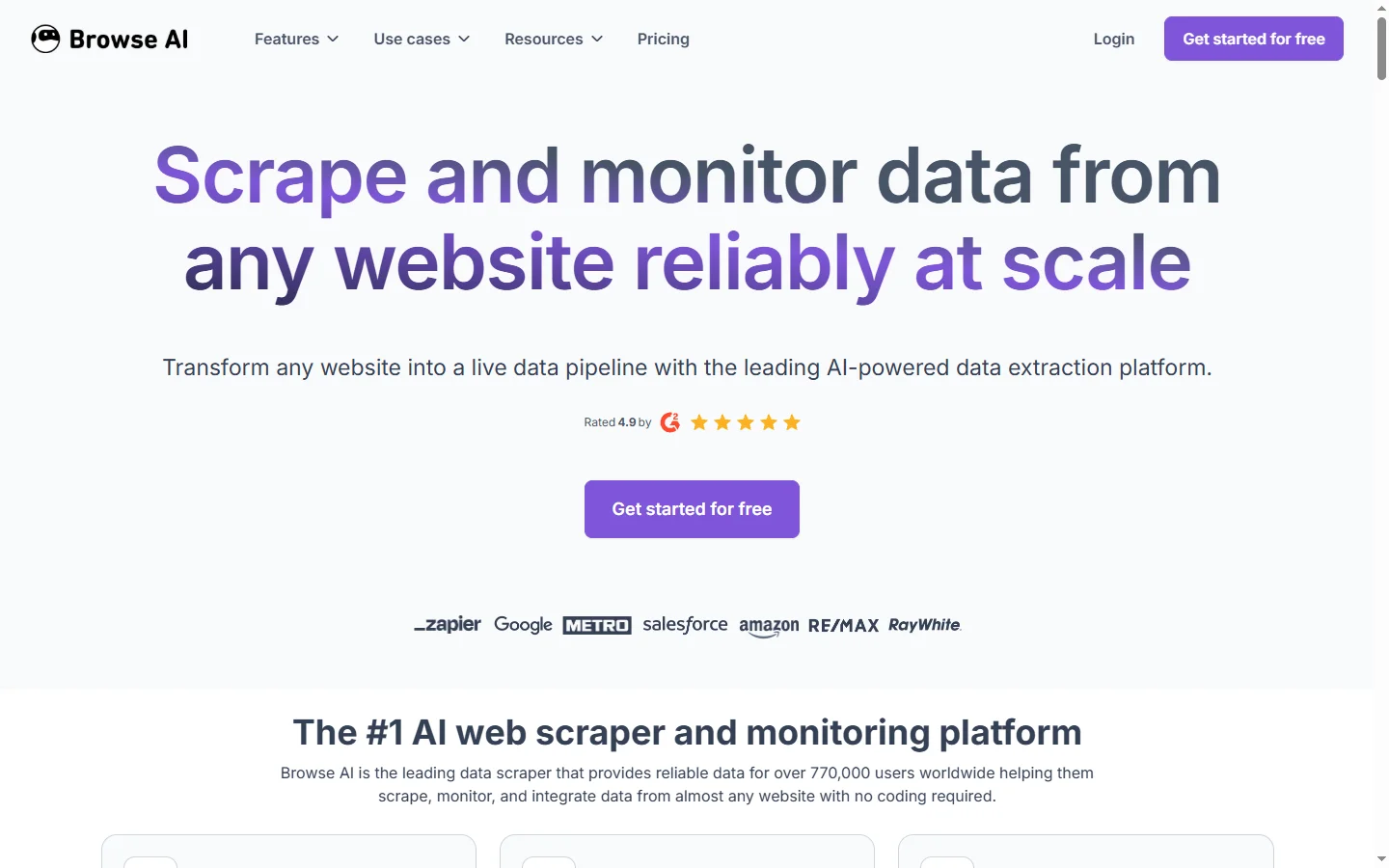
Browse AI is a no-code web scraping and monitoring tool that extracts structured data from any website and tracks changes over time without writing code.

Cantina AI
Cantina AI is a freemium platform for building and deploying full-stack web applications using AI-assisted development with live preview and one-click deployment.

ChatGPT
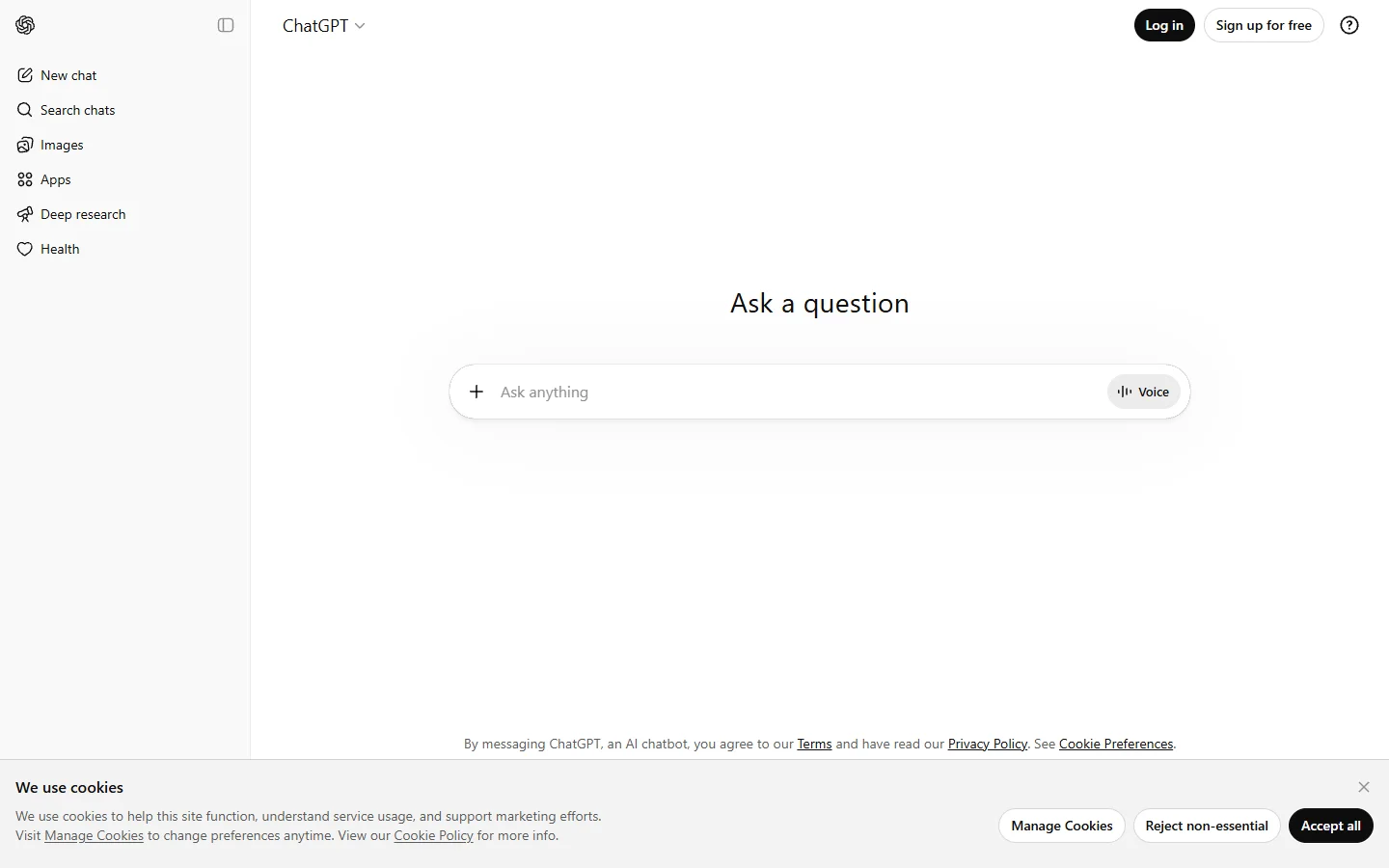
ChatGPT AI assistant by OpenAI for writing, coding, research, image analysis, and everyday problem-solving.