
Rodin AI
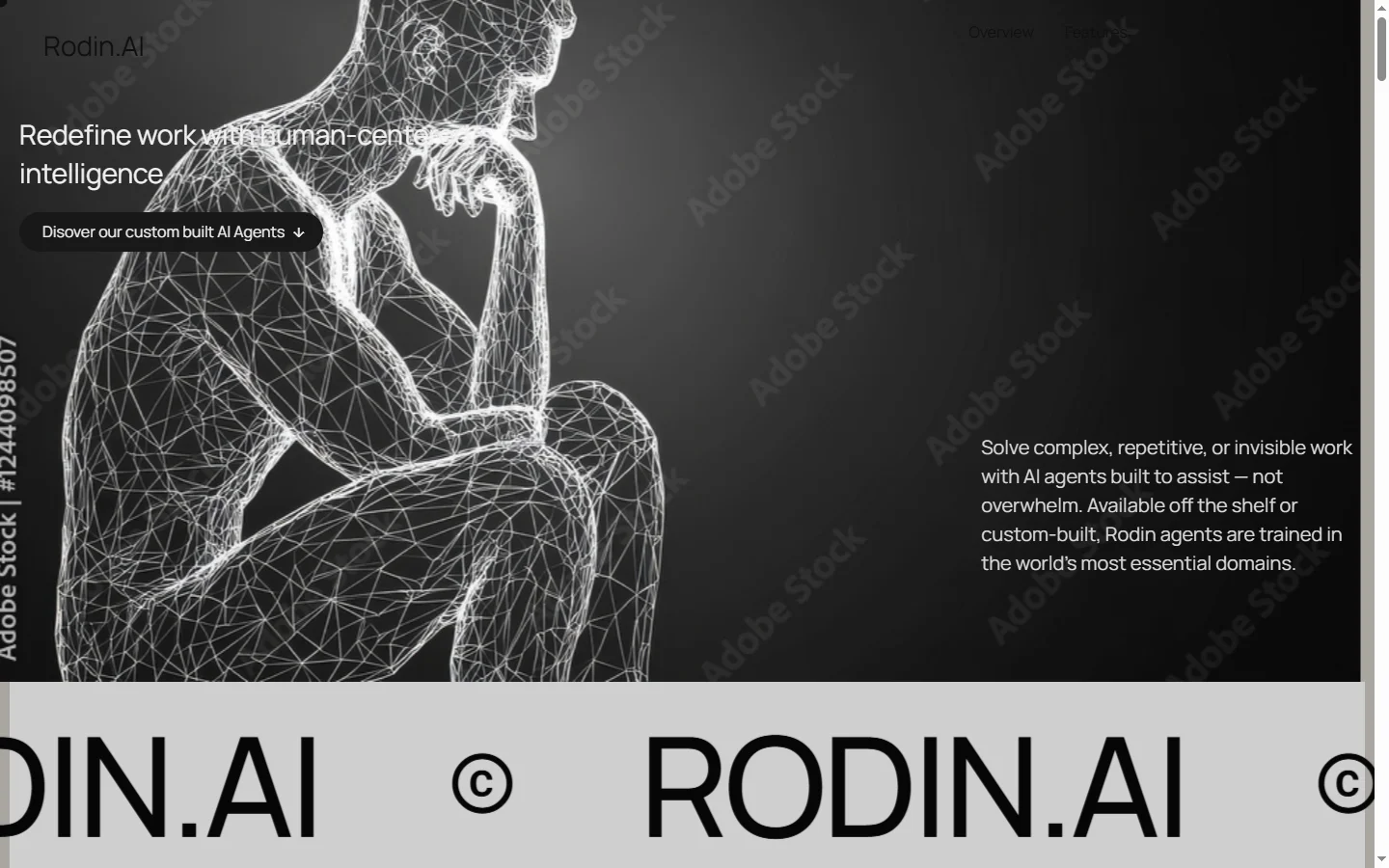
FreemiumRodin AI generates detailed 3D models from text prompts and images, producing game-ready and production-ready assets for design, gaming, and VR.
📋 About Rodin AI
Rodin AI is an AI-powered 3D model generation platform that creates detailed, textured 3D objects from text descriptions and reference images. The platform targets 3D artists, game developers, product designers, and XR creators who need to produce or prototype 3D assets without the time investment of traditional manual modeling. Users provide a text prompt describing the desired object or upload a reference image, and Rodin generates a 3D mesh with UV-mapped textures that can be downloaded in standard 3D file formats.
The generation model is trained to produce objects with topologies suitable for real-time use in game engines and interactive applications — not just static renders. This means outputs include clean mesh geometry, proper UV unwrapping, and texture maps that can be imported directly into Unity, Unreal Engine, or other 3D authoring tools without requiring significant post-processing to make them usable. This game-ready focus distinguishes Rodin from generators that produce visually plausible shapes but with mesh structures unsuitable for animation or real-time rendering.
Rodin AI operates on a freemium model, with a limited number of free generations available before requiring a paid plan. Paid plans scale by generation volume and output quality tier, making the platform accessible for individuals testing occasional asset generation and for studios running continuous asset production pipelines. The API is available for teams that want to integrate 3D generation into their asset production workflows programmatically.
⚡ Key Features of Rodin AI
Text-to-3D Generation
Rodin ai generates 3D models from natural language text descriptions, interpreting the prompt to produce a correctly shaped, textured object that matches the described subject. Prompts can specify material type, style, detail level, and intended use context — game prop, architectural element, character accessory — and the generation model incorporates these specifications into the output geometry and texture treatment. Multiple variations can be generated from the same prompt to explore different interpretations.
Image-to-3D Generation
Users can upload a reference image — a product photo, concept art, or scanned object — and rodin ai generates a 3D model based on that visual reference. The model infers the full three-dimensional structure from the 2D reference and produces a complete mesh, not just a 3D projection of the image. Multi-view image input, where available, significantly improves geometric accuracy by providing the generation model with depth information from multiple angles.
Game-Ready Mesh Output
Rodin ai outputs meshes with clean topology, proper UV unwrapping, and texture maps in formats suitable for direct import into real-time engines including Unity and Unreal Engine. The generation pipeline targets the mesh quality requirements of game and interactive application development, not just static rendering. PBR (physically based rendering) texture maps including albedo, roughness, and normal maps are included in the output package.
Multi-Format Export
Generated 3D models can be exported in standard formats including GLB, GLTF, FBX, and OBJ, covering the import requirements of all major 3D applications and game engines. Format selection allows the same generated asset to be used across different downstream tools without conversion steps. Texture maps are packaged with the mesh in the export.
API Access
Rodin ai exposes a generation API that allows development teams and content pipelines to integrate 3D model generation programmatically. This enables automated asset generation workflows — for example, generating a 3D model for each product in an e-commerce catalog from product photography, or generating scene props on demand in a game development pipeline. API access is available on paid plans.
In-Browser 3D Preview
Generated models are viewable in an interactive 3D browser viewer before download, allowing users to inspect the geometry, texture, and proportions from all angles without requiring a local 3D application. The preview includes lighting and material rendering to evaluate how the asset will look in a real-time context. If the result needs adjustment, users can iterate on the prompt and re-generate without downloading assets that do not meet requirements.
🎯 Use Cases for Rodin AI
⚖️ Rodin AI Pros & Cons
Advantages
- ✓Game-ready mesh output with UV maps and PBR textures is directly usable in engines without manual post-processing
- ✓Both text and image input modes cover different asset creation starting points
- ✓Multi-format export covers all major 3D application and engine import requirements
- ✓API access enables integration into automated asset production pipelines
Drawbacks
- ✗Complex organic forms and highly detailed characters remain challenging for current AI 3D generation models
- ✗Free tier generation limits are too low for sustained production use
- ✗Generated meshes may require cleanup before use in animation-heavy contexts with strict topology requirements
- ✗Output quality on unusual or highly specific prompts is less predictable than on common object categories
📖 How to Use Rodin AI
Go to rodin.ai and create a free account to access the generation tools.
Choose text-to-3D or image-to-3D as your generation mode based on your starting material.
Enter a descriptive text prompt or upload a reference image and configure any style or detail parameters.
Generate the model and inspect it in the browser 3D preview from multiple angles.
If the result is not quite right, adjust your prompt — more specific descriptions of shape, material, and style improve accuracy.
Download the model in your preferred format and import it directly into your 3D application or game engine.
❓ Rodin AI FAQ
Rodin ai exports 3D models in GLB, GLTF, FBX, and OBJ formats, covering the import requirements of Unity, Unreal Engine, Blender, Maya, and other major 3D tools. Texture maps are packaged with the mesh in the export.
Rodin ai is specifically designed to output game-ready assets with clean mesh topology, UV unwrapping, and PBR texture maps. Most outputs can be imported directly into Unity or Unreal Engine without significant post-processing, though complex animation rigs may require additional work.
Rodin ai provides a limited number of free generations on the freemium tier. The exact free generation count is listed on rodin.ai and may vary. Paid plans provide higher generation volumes at different quality and resolution tiers.
Rodin ai can generate humanoid figures, though character generation — particularly faces and hands — remains one of the more challenging categories for current AI 3D generation models. Results on characters require more review and cleanup than hard surface objects and props.
Yes, rodin ai provides an API for programmatic 3D generation, available on paid plans. This allows teams to integrate model generation into automated asset production workflows rather than generating each model manually through the web interface.
Related to Rodin AI

Featured on WhatIf.ai
Add this badge to your website to show you're listed on WhatIf AI
Alternatives to Rodin AI

Aragon AI
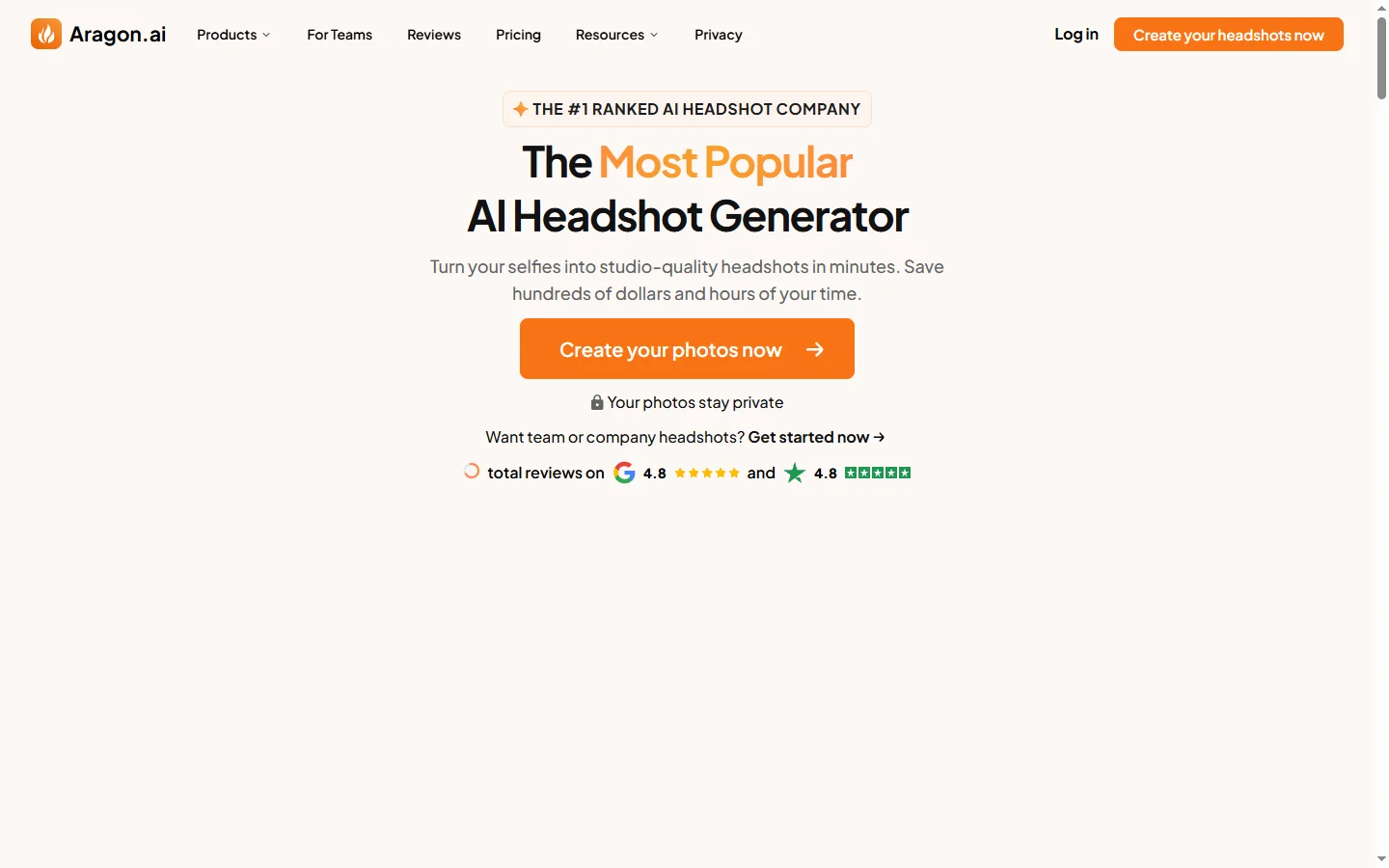
Aragon AI professional headshot generator that creates studio-quality portrait photos from uploaded selfies using a personalized AI model.

ArtGuru AI
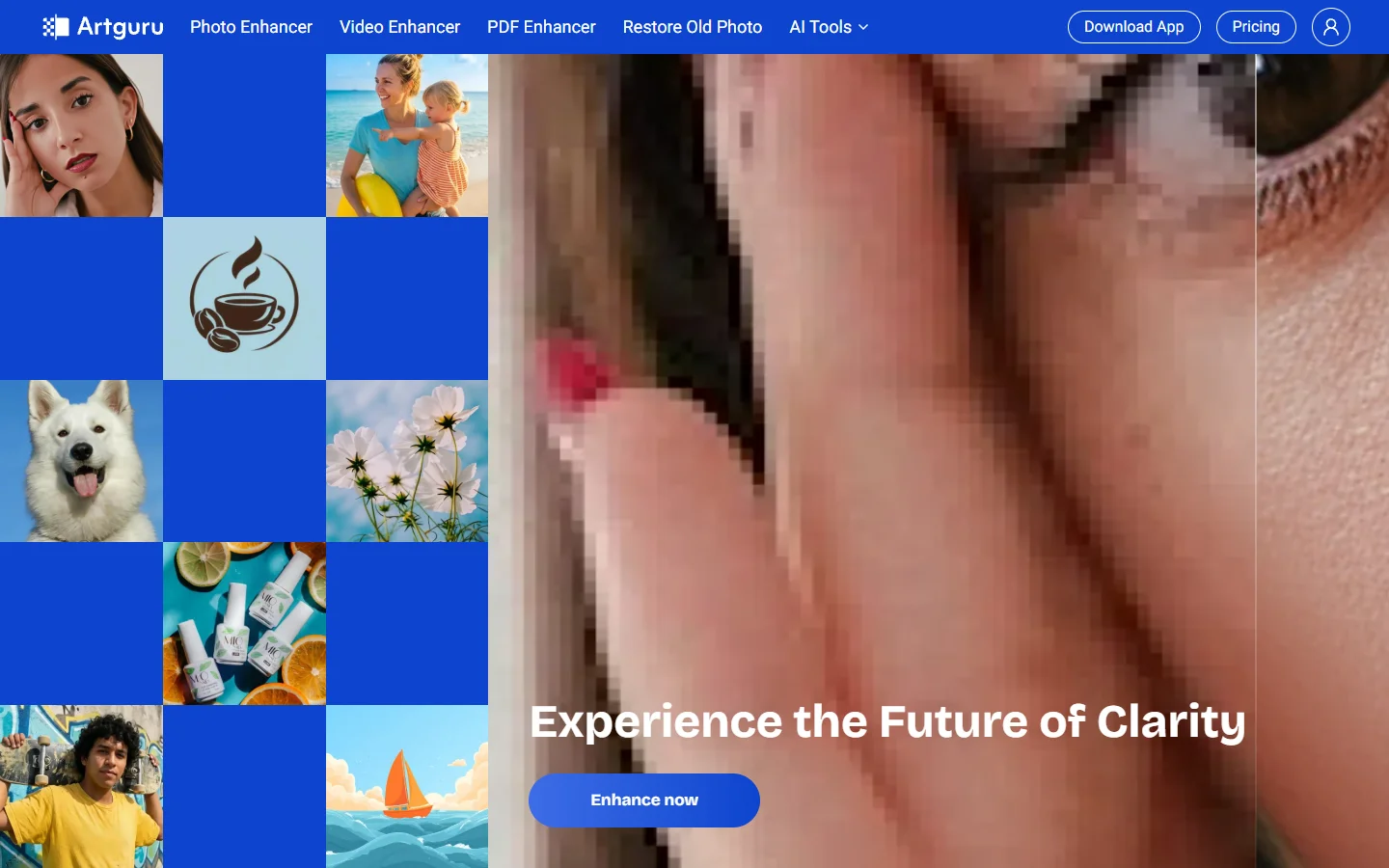
ArtGuru AI generates images from text prompts in a wide range of artistic styles, with additional tools for face enhancement, background removal, and image upscaling.

Dezgo AI
Dezgo AI is a free text-to-image generator powered by Stable Diffusion models, offering multiple model options and image editing tools in the browser.

Dzine AI
Dzine AI graphic design platform that combines AI image generation with templates and design tools for ready-to-use marketing visuals.